
Deleting a Dashboard from Your Site
Dashboards can also be deleted from the Dashboard server when they are no longer needed.
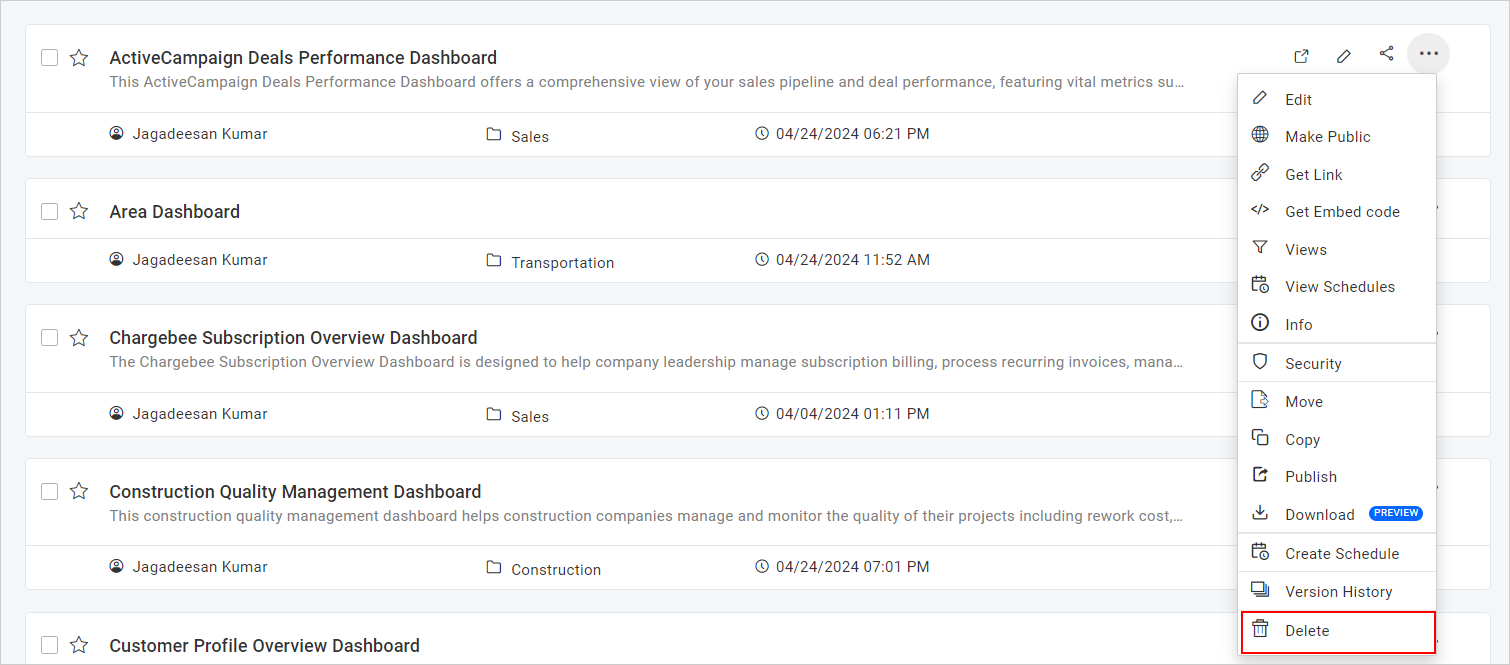
To delete a Dashboard, click the Actions button in the Dashboards grid context menu and select Delete.
NOTE: Dashboards cannot be deleted when they are scheduled by a user.
Related pages: Manage Dashboards | Previous: Dashboard Version History | Next: Share Dashboards