Enterprise Insights
This section describes how to enable or disable Enterprise Insights in the dashboard settings.
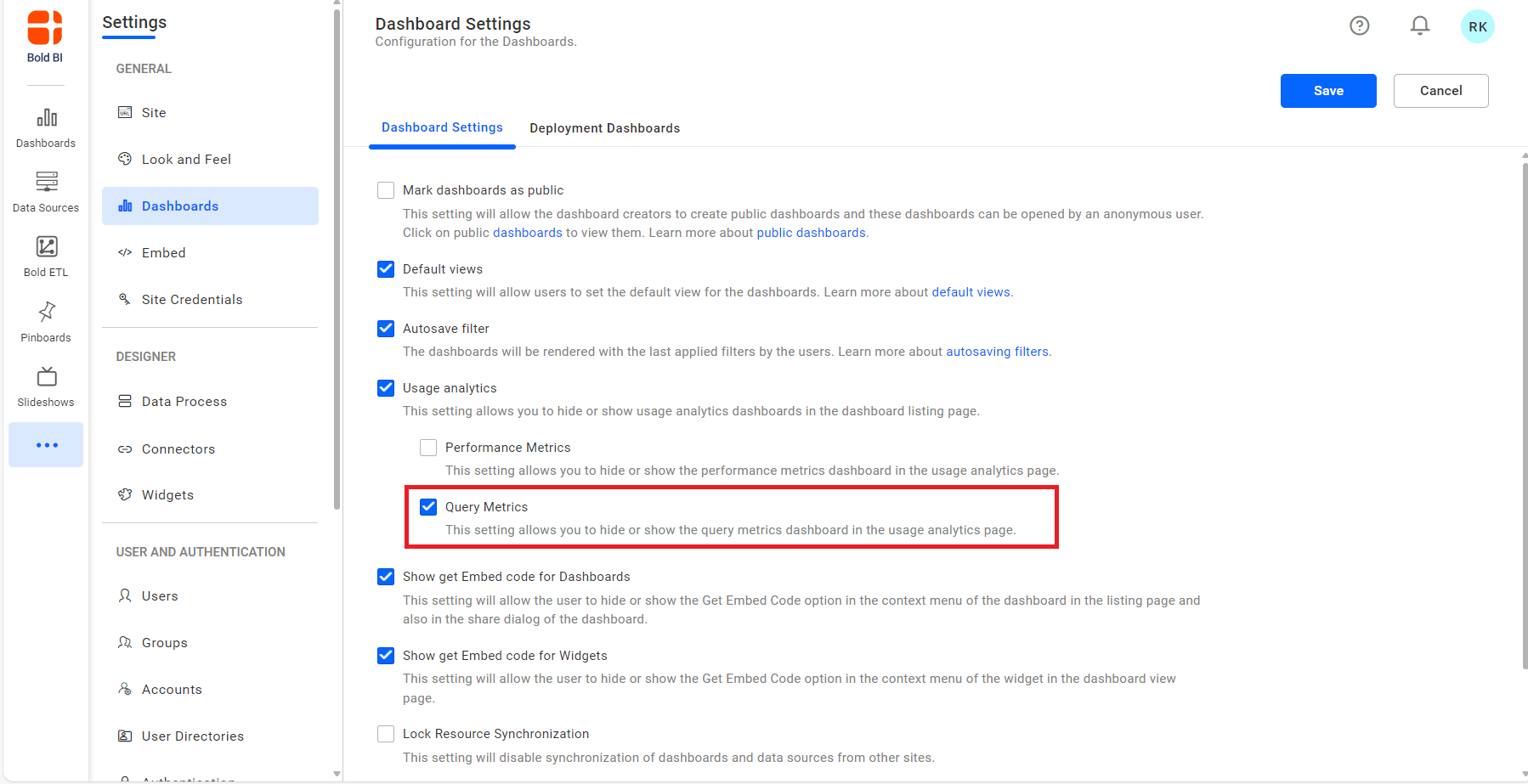
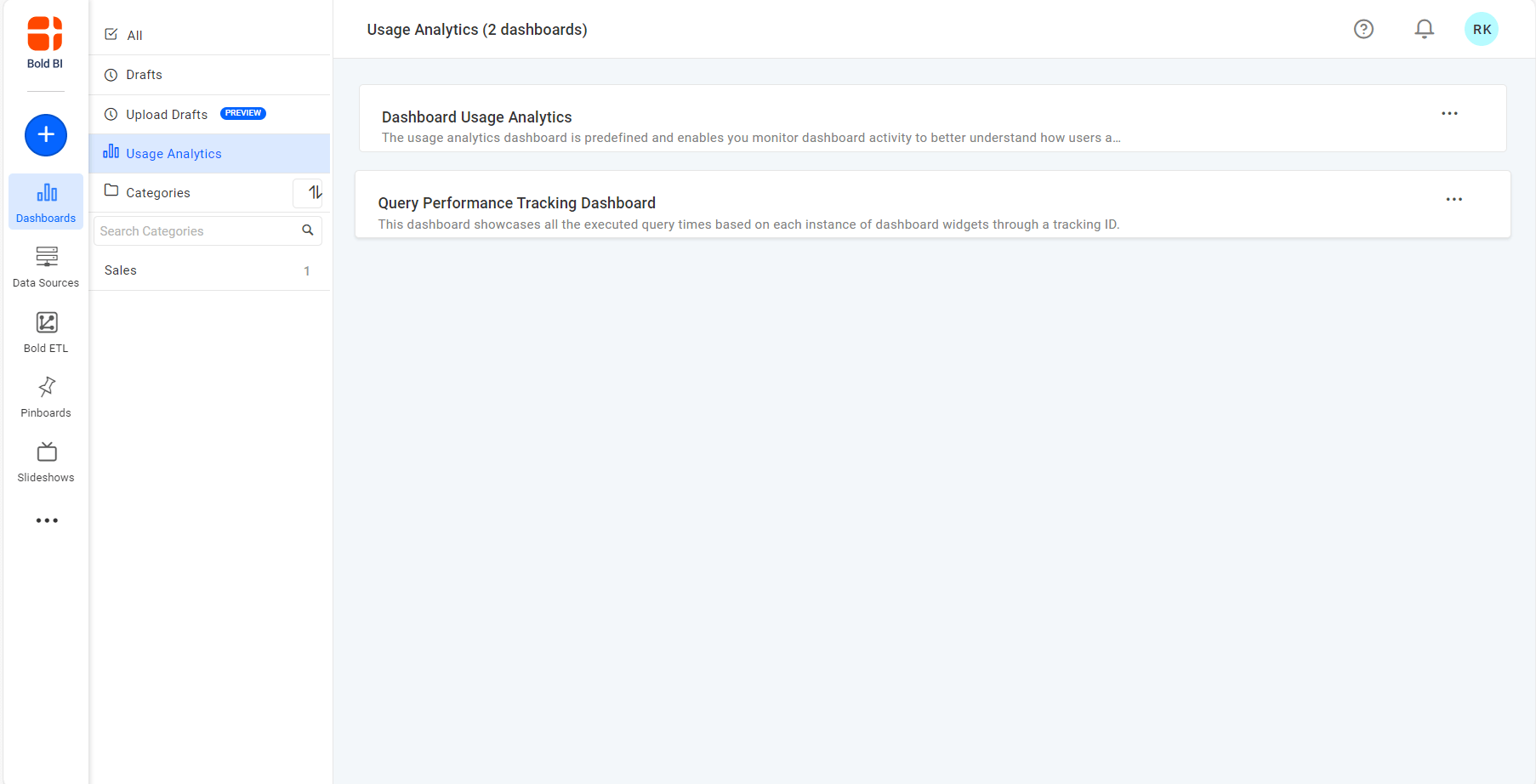
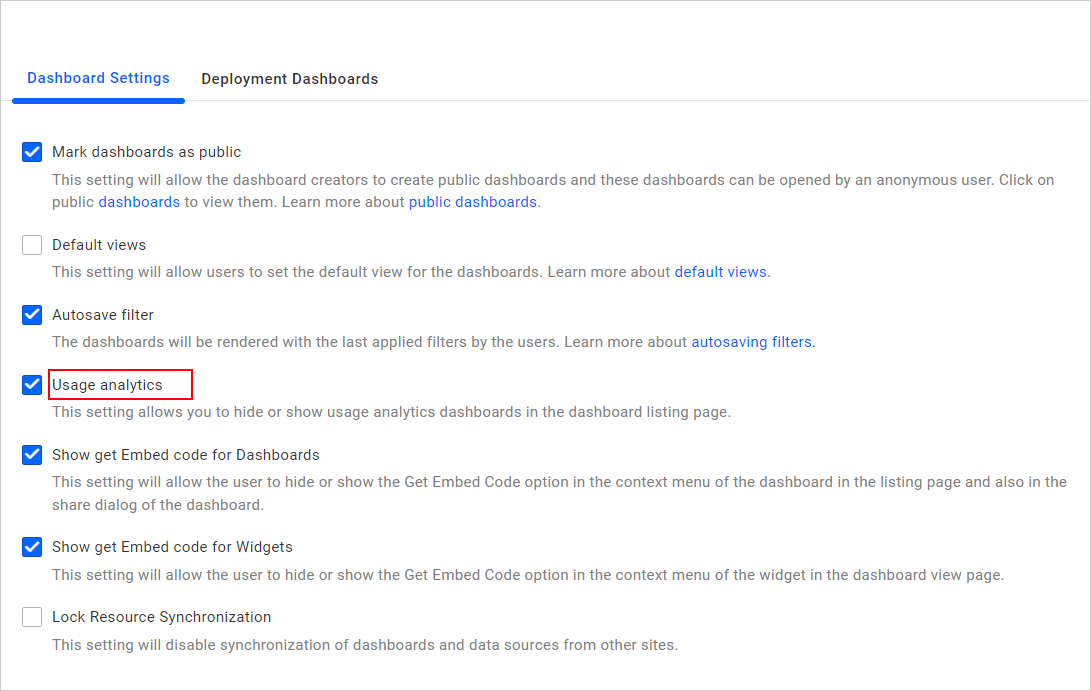
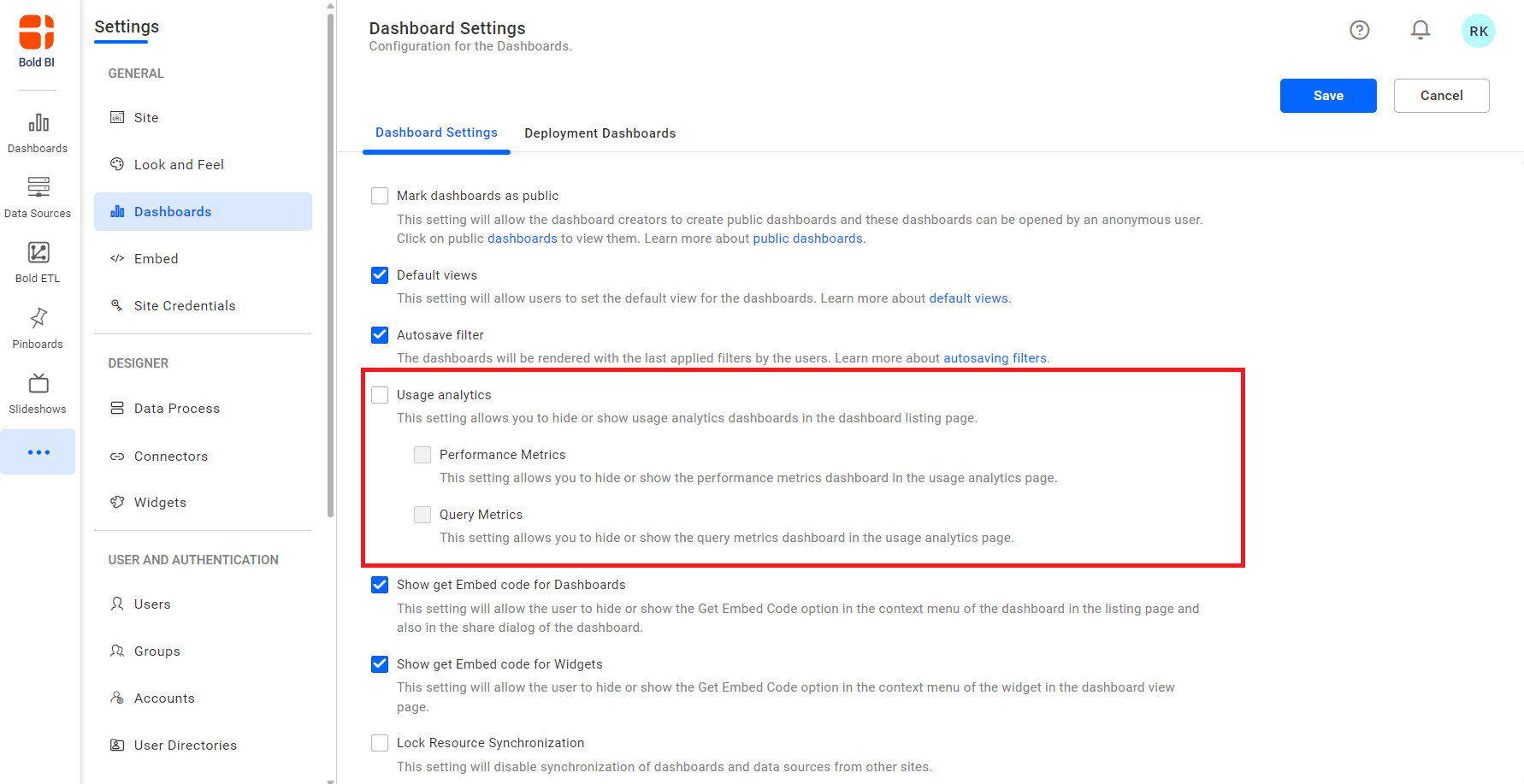
You can enable or disable enterprise insights in the dashboard settings, and based on this, the Enterprise Insights option will be available on the dashboard listing page. Enterprise insights consists of Performance Metrics and Query Metrics options. By default, usage analytics, performance metrics and query metrics settings will be enabled.
NOTE: If the enterprise insights settings are disabled, both performance metrics and query metrics will also be disabled. You will not be able to enable performance metrics and query metrics unless you enable the enterprise insights settings.
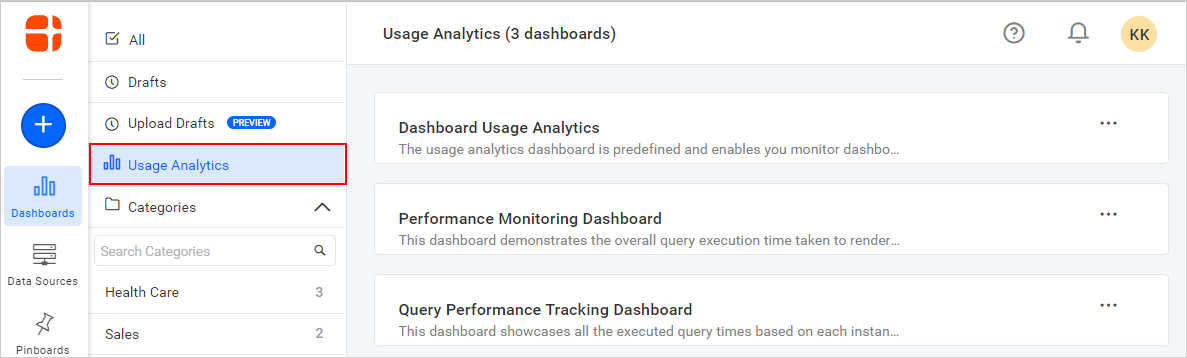
NOTE: This feature is available in On-Premises Deployment but not in Syncfusion Managed Cloud Server.
Performance metrics
This section describes how to enable or disable performance metrics in the dashboard settings.
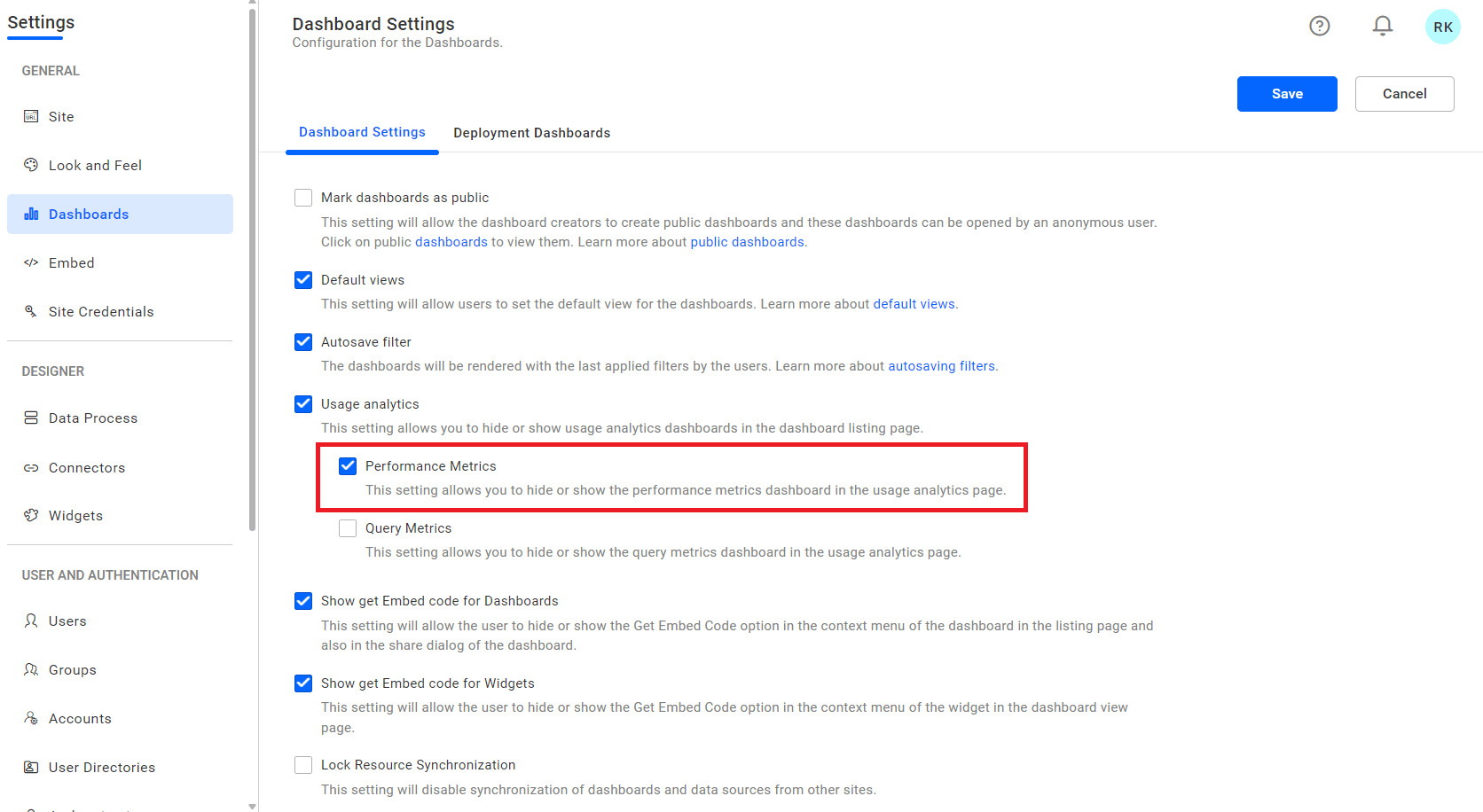
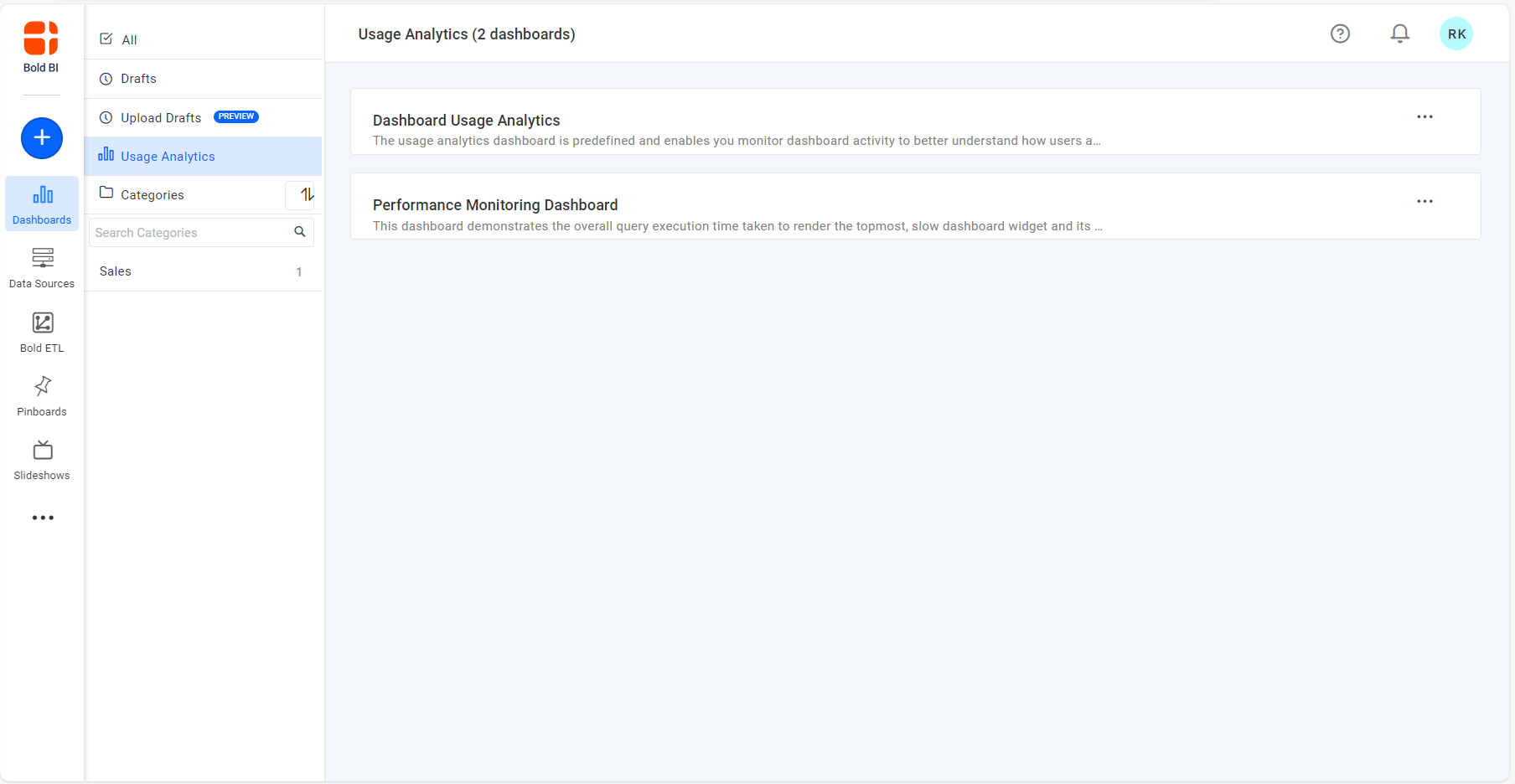
You can enable or disable performance metrics in the dashboard settings, and based on this, the Performance Metrics dashboard will be available on the dashboard listing page.
Query metrics
This section describes how to enable or disable query metrics in the dashboard settings.
You can enable or disable performance metrics in the dashboard settings, and based on this, the Query Metrics dashboard will be available on the dashboard listing page.