Deleting a Data Source
To delete an existing data source, follow these steps:
-
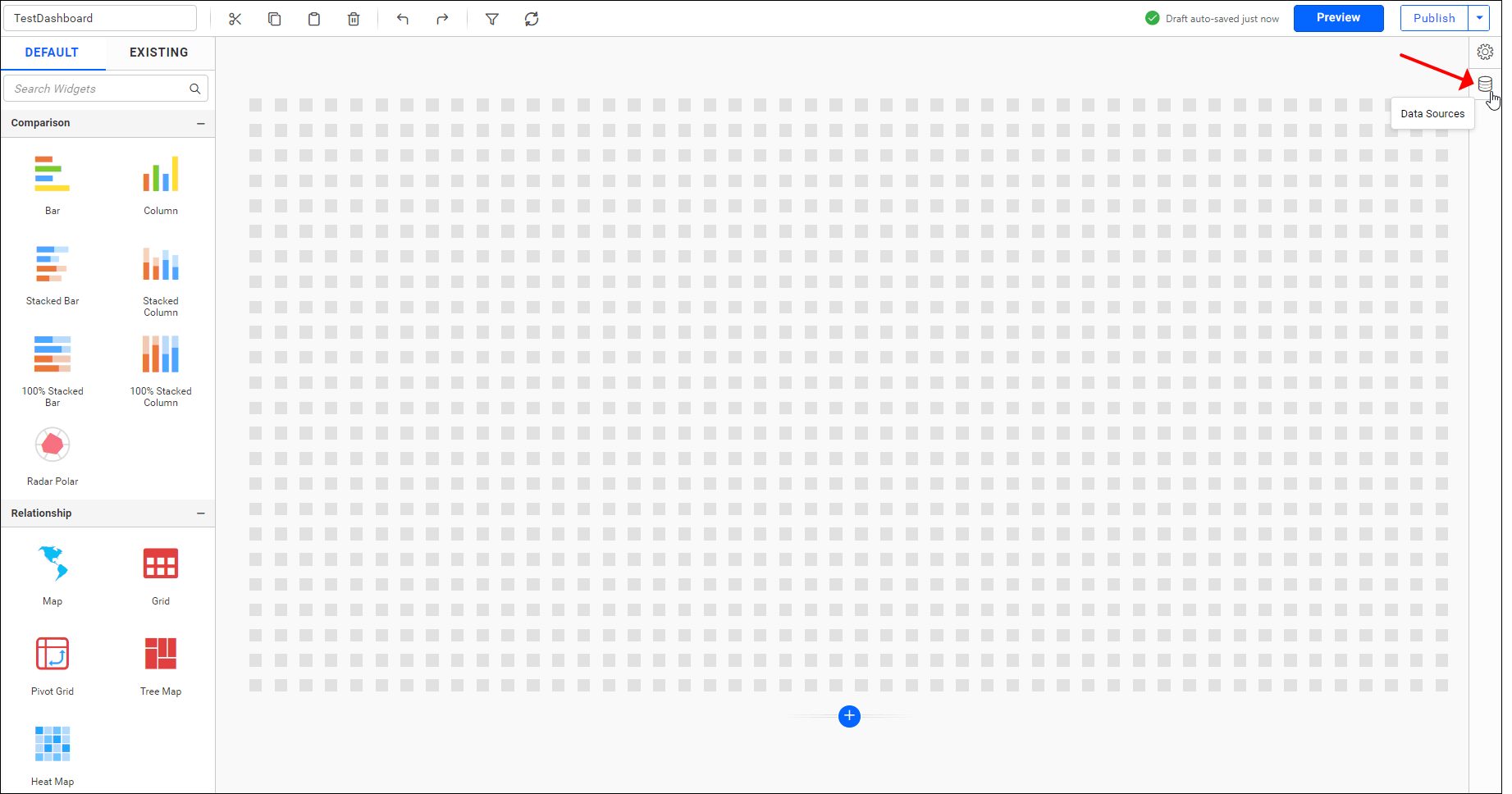
Click on the
Data Sourcebutton in the configuration panel. -
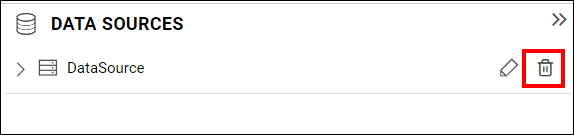
Select the data source that you wish to delete from the list in the data panel.
-
Click on the highlighted icon to delete the selected data source.