
Web
The web connector fetches data from a REST API and supports nested JSON fields.
Limitations
- Currently supports Json response.
Connection Properties
The config section in a YAML file includes the following properties:
url: URL
username: Username
password: Password
type: HHTP method either GET/POST
headers: Header parameters
params: Query Paramaeter value
data: Data value
Example Configuration
version: 1
encrypt_credentials: false
plugins:
  extractors:
    - name: web
      #Json Response only supported
      connectorname: Web
      config:
        url: url
        # Basic Authentication
        username: username
        password: password
        type: get
        headers: { 'ContentType': 'application/json' }
Configure the Bold Data Hub to connect Web
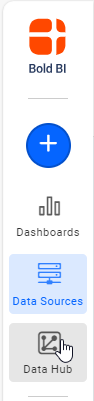
- Click the
Data Hubicon on the Navigation Pane.
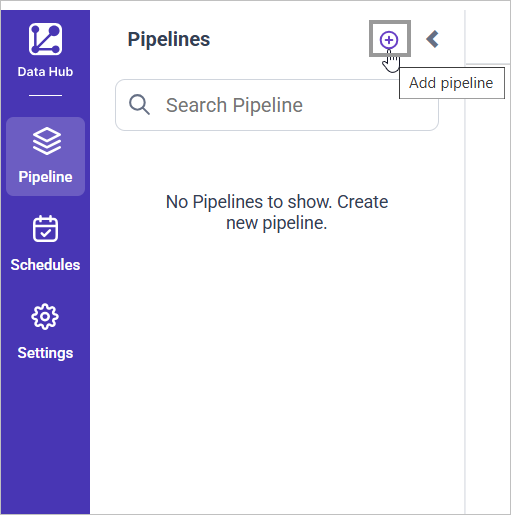
- Click
Add Pipelineand provide the new pipeline’s name.
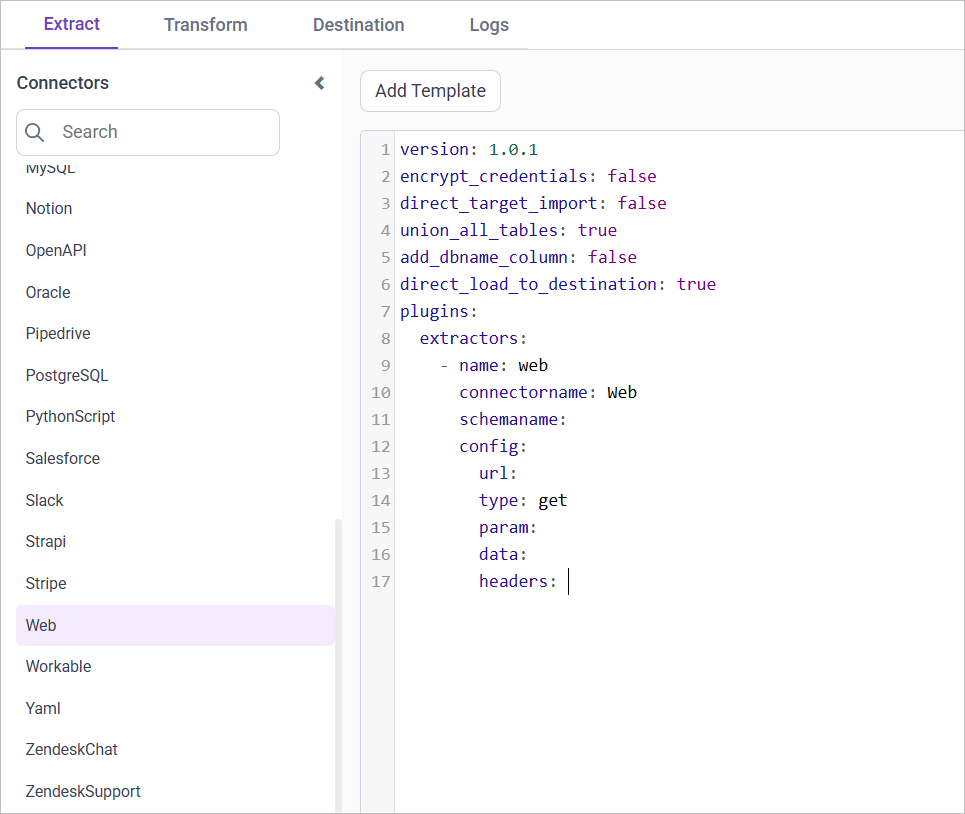
- Select the newly created pipeline and add the
Webtemplate.
Configuration Parameters
| Parameter | Description |
|---|---|
| URL: | Specify the URL of the web service from which data will be extracted. This URL should point to the API endpoint providing the required data. |
| Authentication (Optional): | Username: If the web service requires basic authentication, provide the username here. Password: Corresponding password for basic authentication. |
| Request Type: | Specify whether the connector should use the GET or POST method for making requests to the API. |
| Parameters (Optional): | Provide parameters required for the API call in JSON format - key-value pairs. These parameters are typically used for filtering or customizing the data returned by the API. |
| Data (Optional): | If the API call requires any additional data to be sent, specify it here in JSON format - key-value pairs. This data might include payload or request body parameters. |
| Headers (Optional): | Include any custom headers required for the API call. These headers should be provided in JSON format, specifying key-value pairs such as content type or authentication tokens. |
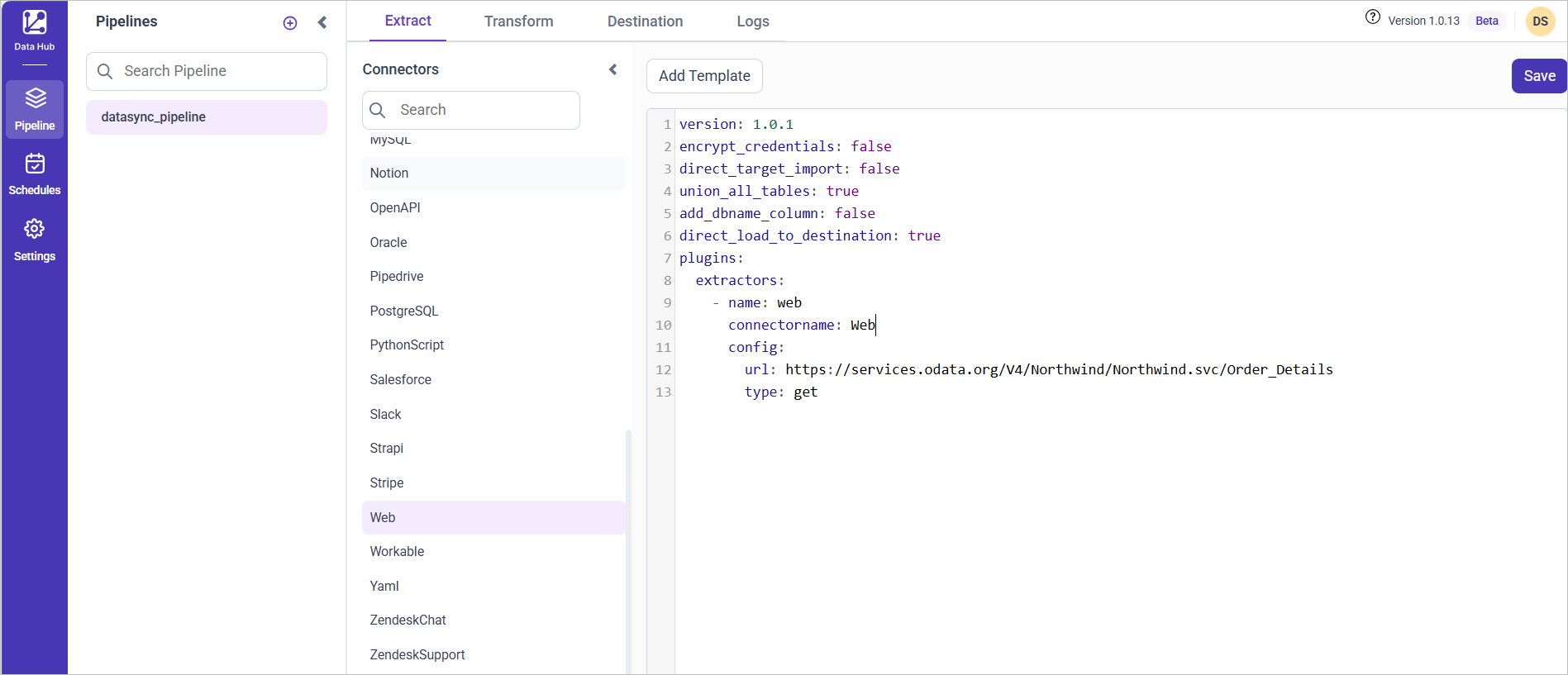
- Update the details required in the template and Click Save, choose the desired destination to save the pipeline.
- Creating a Pipeline in Bold Data Hub automatically creates a Data Source in Bold BI. The Bold BI Data Source is a live data source to the destination database used in Bold Data Hub. For more information on the relationship between Bold Data Hub Pipeline and the associated Data Sources in Bold BI , please refer to Relationship between Bold Data Hub Pipeline and Associated Data Sources in Bold BI
Schedule Bold Data Hub Job
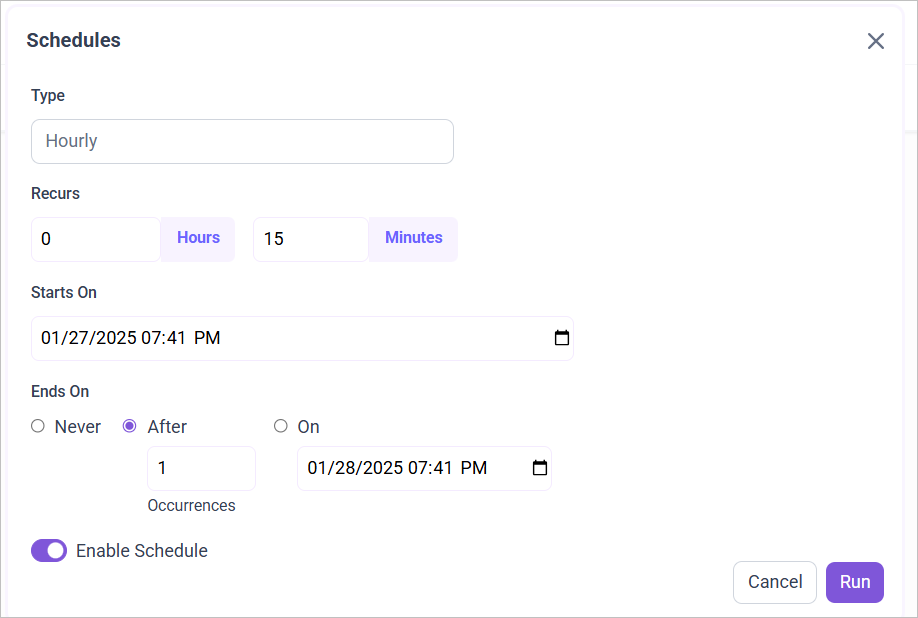
- To configure interval-based scheduling, click on the schedules tab and select the created pipeline and click on the schedule icon and configure it.

- For on-demand refresh, click
Run Nowbutton.
 .
.
- The Schedule history can be checked using the history option as well as logs.
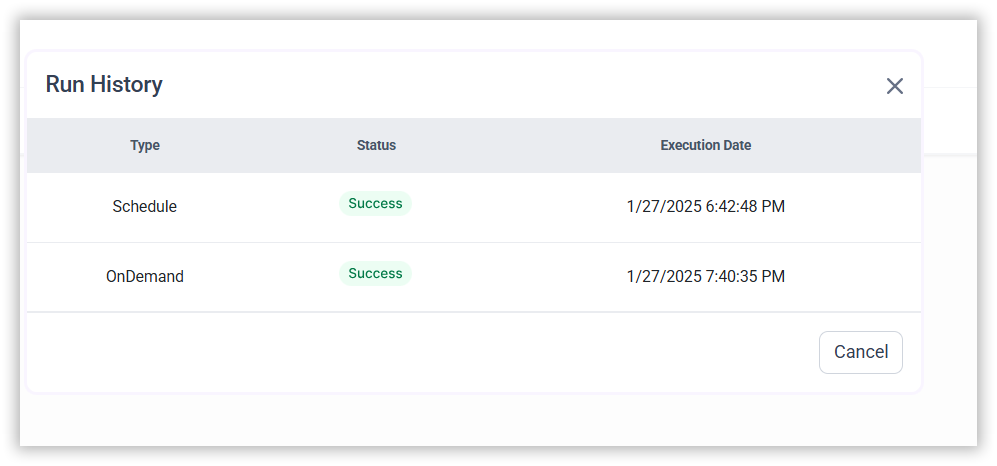
- Click on Logs to see if the run is completed and data source is created in Bold BI.

- Click
Edit DataSourceOption to view the created tables.