Data Smoothing and Transforming Data Using Bold Data Hub
In this article, we will demonstrate how to import tables from a CSV file, smooth data through transformations, and move the cleaned data into the destination database using Bold Data Hub. Follow the step-by-step process below.
Sample Data Source:
Sample CSC Data
Creating Pipeline
Learn about Pipeline Creation
Applying Transformation
Learn more about transformation here
Data Smoothing
Overview
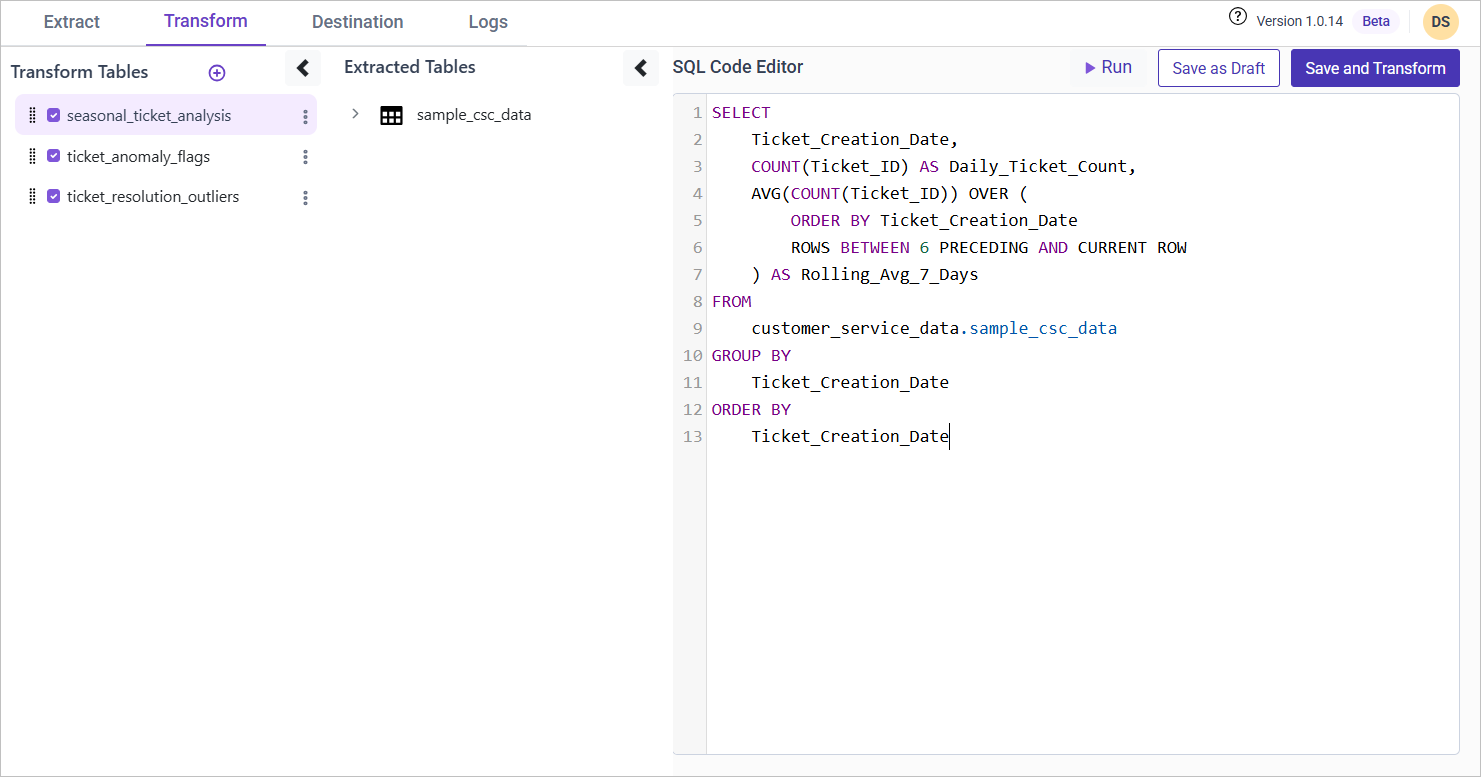
Ticket volumes may exhibit seasonal spikes, making it difficult to analyze long-term trends. By applying rolling averages, we can smooth fluctuations and gain clearer insights into underlying patterns.
Approach
We use a rolling average to normalize ticket resolution data and detect anomalies. If an agent’s resolution time significantly exceeds the average (by more than 2 standard deviations), it is flagged as an anomaly.
SQL Query for Data Smoothing
WITH Agent_Resolution AS (
    SELECT
        Agent_ID,
        Agent_Name,
        COUNT(Ticket_ID) AS Resolved_Tickets,
        AVG(Resolution_Time) AS Avg_Resolution_Time,
        STDDEV(Resolution_Time) AS Std_Dev_Resolution
    FROM {pipeline_name}.sample_csc_data
    WHERE Ticket_Status = 'Resolved' AND Resolution_Time IS NOT NULL
    GROUP BY Agent_ID, Agent_Name
)
SELECT
    t.Ticket_ID,
    t.Agent_ID,
    t.Agent_Name,
    t.Resolution_Time,
    CASE
        WHEN t.Resolution_Time > (a.Avg_Resolution_Time + 2 * a.Std_Dev_Resolution)
        THEN 'Anomaly'
        ELSE 'Normal'
    END AS Resolution_Anomaly
FROM {pipeline_name}.sample_csc_data t
JOIN Agent_Resolution a ON t.Agent_ID = a.Agent_ID
WHERE t.Ticket_Status = 'Resolved';