Time-based Segmentation Using Bold Data Hub
In this article, we will demonstrate how to import tables from a CSV file, segment the hour of the day through transformations, and migrate the cleaned data into the destination database using Bold Data Hub. Follow the step-by-step process below.
Sample Data Source:
Creating Pipeline
Learn about Pipeline Creation
Applying Transformation
Learn more about transformation here
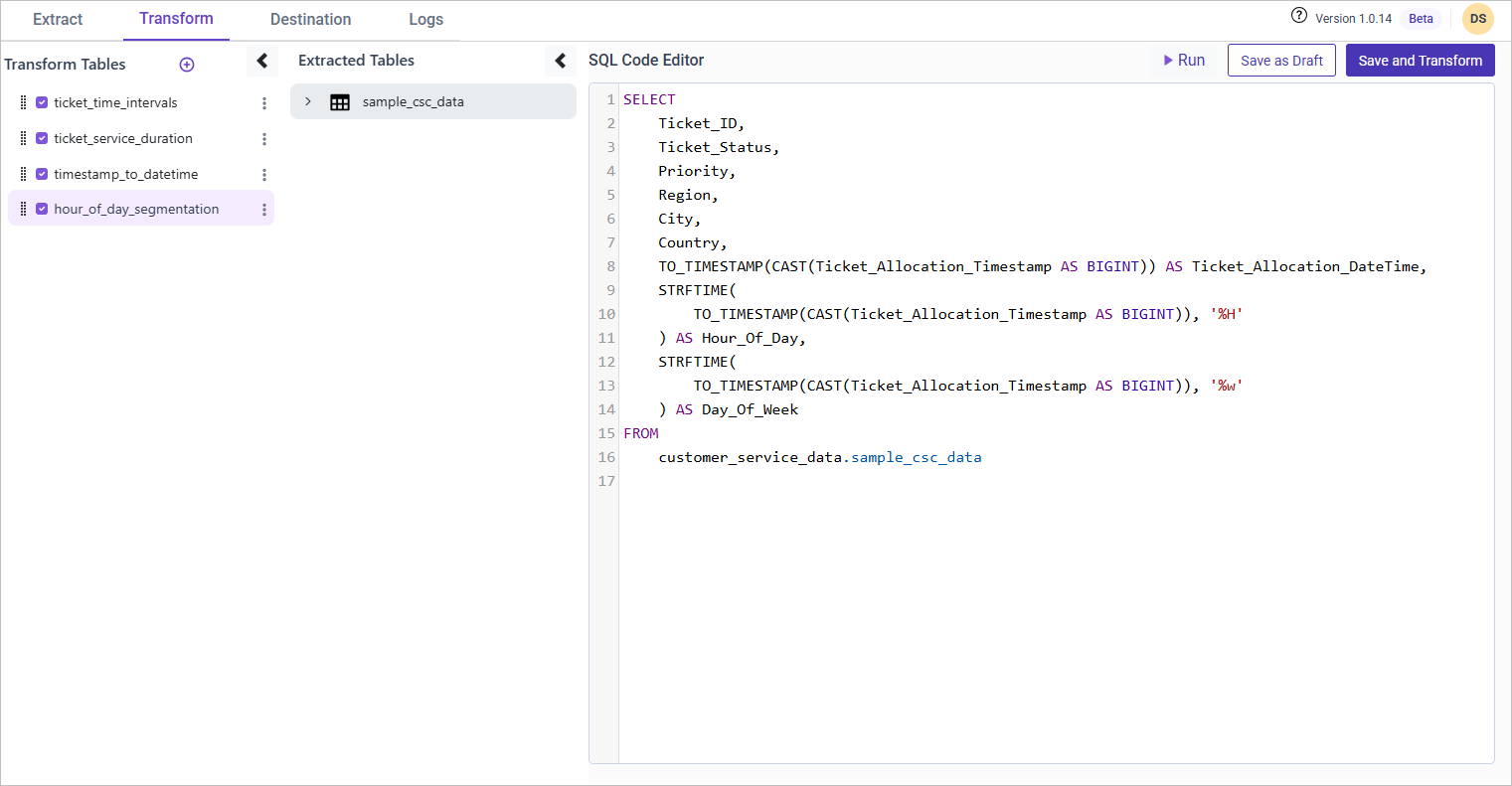
Hour-of-Day Segmentation
Overview
Analyzing ticket allocation by hour of the day and day of the week helps identify service center load patterns. This allows businesses to optimize staffing and resource allocation.
Approach
We extract:
- Hour of the day (
%H) to analyze peak hours - Day of the week (
%w) to understand weekday vs. weekend trends
SQL Query for Hour-of-Day Segmentation
SELECT
    Ticket_ID,
    Ticket_Status,
    Priority,
    Region,
    City,
    Country,
    TO_TIMESTAMP(CAST(Ticket_Allocation_Timestamp AS BIGINT)) AS Ticket_Allocation_DateTime,
    STRFTIME(TO_TIMESTAMP(CAST(Ticket_Allocation_Timestamp AS BIGINT)), '%H') AS Hour_Of_Day,
    STRFTIME(TO_TIMESTAMP(CAST(Ticket_Allocation_Timestamp AS BIGINT)), '%w') AS Day_Of_Week
FROM {pipeline_name}.sample_csc_data;