
Rich Text Editor
The Rich Text Editor adds formatted text to a dashboard. Use it for headings, explanations, instructions, annotations, tables, and links.
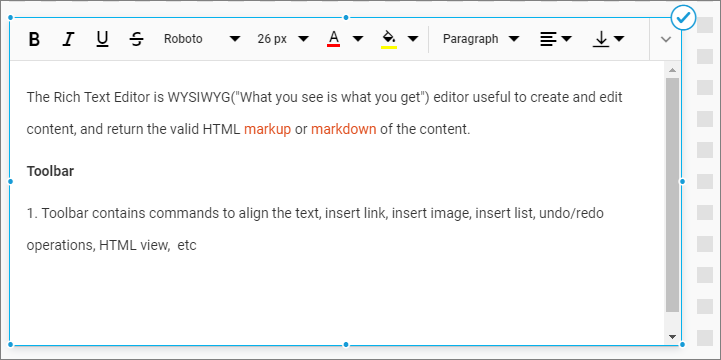
Adding Rich Text
- Add the Rich Text Editor to the design canvas.
- Select the widget and enter content in the editor.
- Use the toolbar to format the selected content.
Formatting the Rich Text Editor
General Settings
Refer to General Settings for information about configuring the widget type, unique name, title, subtitle, and description shown for the widget.
Basic Settings
Auto Fit Content
Automatically adjusts the text layout to fit the widget area.
Content Padding
Sets the spacing between the rich-text content and widget boundary from 0 through 25 pixels.
Scroll Bar
Displays a scroll bar when the content exceeds the available widget height.
Container Appearance
Refer to Container Appearance for padding, background, transparency, border, and shadow settings.
Container Actions
Refer to Container Actions for supported viewer actions.