
Linking
Linking lets you attach a navigation action to a data point click. When a user clicks a chart bar, pie slice, grid cell, or any other interactive element, Bold BI can open a URL or navigate to another dashboard, passing context from the clicked data point as query parameters.
Use linking to create drill-through dashboards, open external documentation for the selected product, or navigate to a detail report filtered to the clicked dimension value.
| Unsupported widgets |
|---|
| Image, Line Widget, Button, Tab Widget, Q&A Widget, Date Picker |
Configuration
To configure linking:
- In the Properties pane, scroll to the Link section.
- Click the Edit icon to open the Link Configuration dialog.
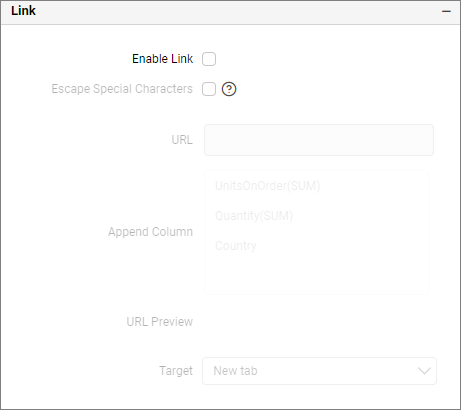
For detailed step-by-step instructions on configuring URL linking, dashboard linking, and dynamic parameter passing, refer to the Linking URLs and Dashboards documentation.