
Working with Bold Data Hub in our Bold BI / Bold Reports
Overview
The primary objective of the Bold Data Hub application is to facilitate the extraction, transformation, and loading of data from diverse sources such as file types and web, SQL, and NoSQL data sources. please refer to Working With Data Hub Connectors. we can conveniently schedule recurring jobs to retrieve data from these sources and utilize SQL scripts for data transformation purposes.
Integrated Bold Data Hub Architecture
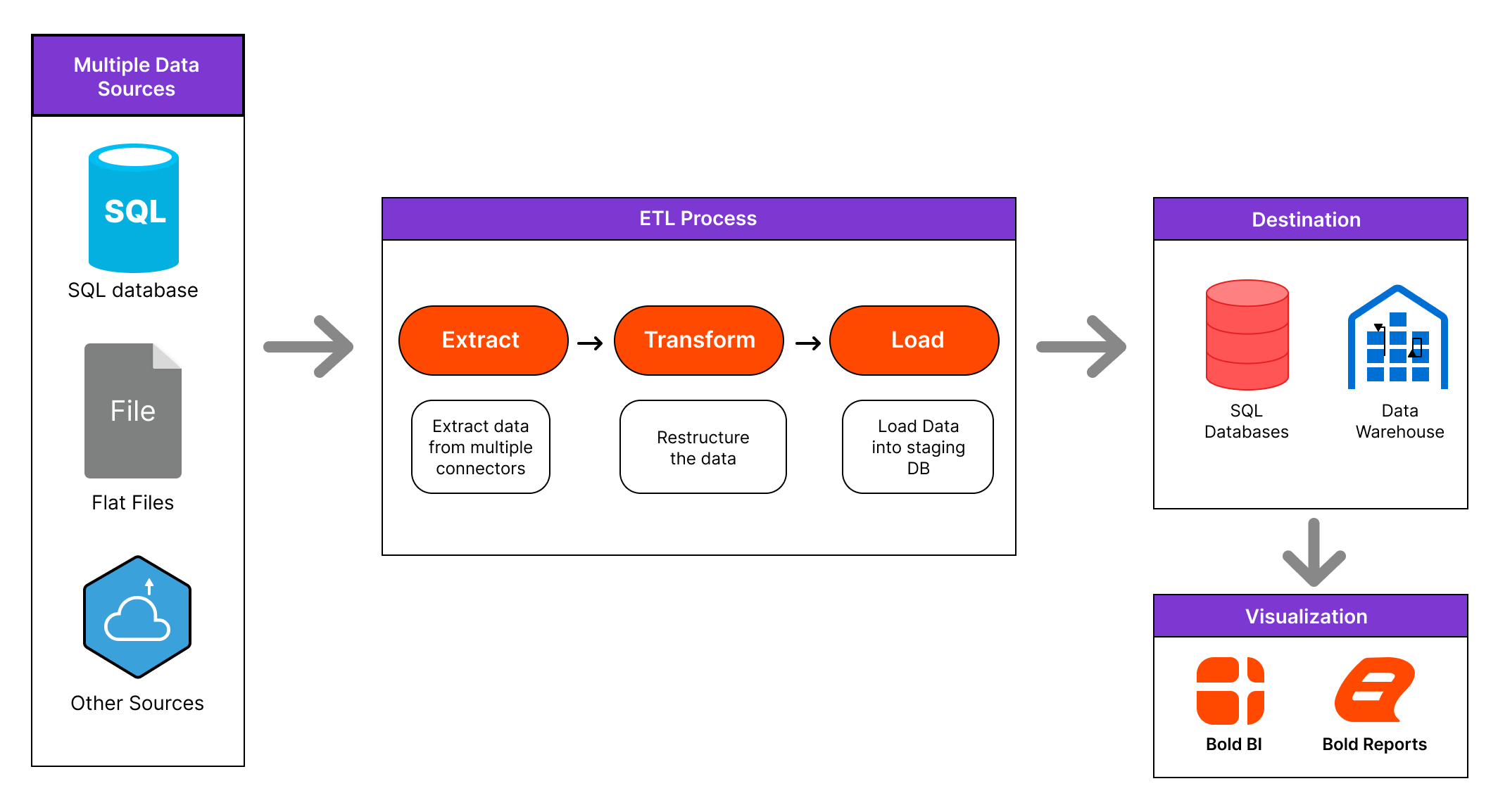
Python Requirement for ETL Server
For Windows OS, Python 3.13 is required to run ETL scripts in Bold BI or Bold Reports Data Hub. You may use either:
-
A system-wide Python 3.13 installation, or
-
A Python 3.13 Virtual Environment (venv) created specifically for ETL
If Python 3.13 is already installed (either globally or inside a venv), you must specify the correct Python path in: {Drive}:\BoldServices\etl\etlservice\appsettings.json
- Using System-Wide Python 3.13
If you installed Python normally on Windows:
"PythonPath": "<Drive>:\\BoldServices\\Python313"- Using Python 3.13 with Virtual Environment (venv)
If you prefer to use a dedicated venv environment:
"isVirtualEnvironmentAdded": true
"PythonPath": "C:\\BoldServices\\Python313Env\\Scripts"
Manually Creating a Python Virtual Environment on Windows
- Ensure Python is Installed Python 3.13 (64-bit) and ensure Add Python to PATH is selected.
- Create a directory:
C:\BoldServices\Python313Env - Create the virtual environment:
python -m venv C:\BoldServices\Python313Env - Verify:
C:\BoldServices\Python313Env\Scripts\python.exe - Update
appsettings.json:"isVirtualEnvironmentAdded": true, "PythonPath": "C:\\BoldServices\\Python313Env\\Scripts"
Using Python 3.13 with Virtual Environment (venv) on Linux
- Create the virtual environment:
sudo apt update sudo apt install -y python3 python3-venv python3-pip python3 -m venv /var/www/bold-services/python313env - Verify:
/var/www/bold-services/python313env/bin/python --version - Update
appsettings.json:"isVirtualEnvironmentAdded": true, "PythonPath": "/var/www/bold-services/python313env/bin"
Using the Bold Data Hub Application In Bold BI / Bold Reports
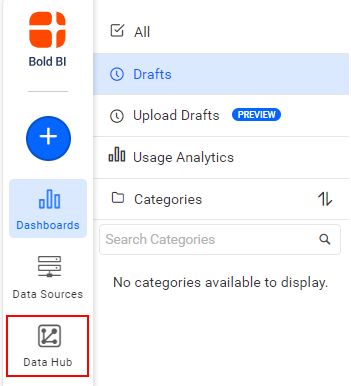
To access the Data Hub site, please click on the “Data Hub” icon displayed on the page.
This action will open the site in a new tab. In the Bold BI Server page, the icon can be found under the working-with-etl section as shown in the image.
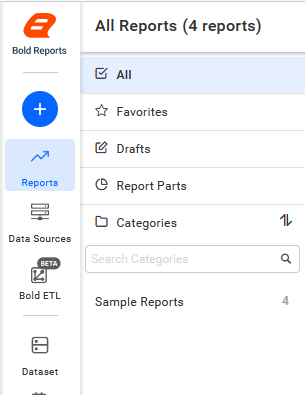
Similarly, in the Bold Reports Server page, the icon is located under the same section as depicted in the image.
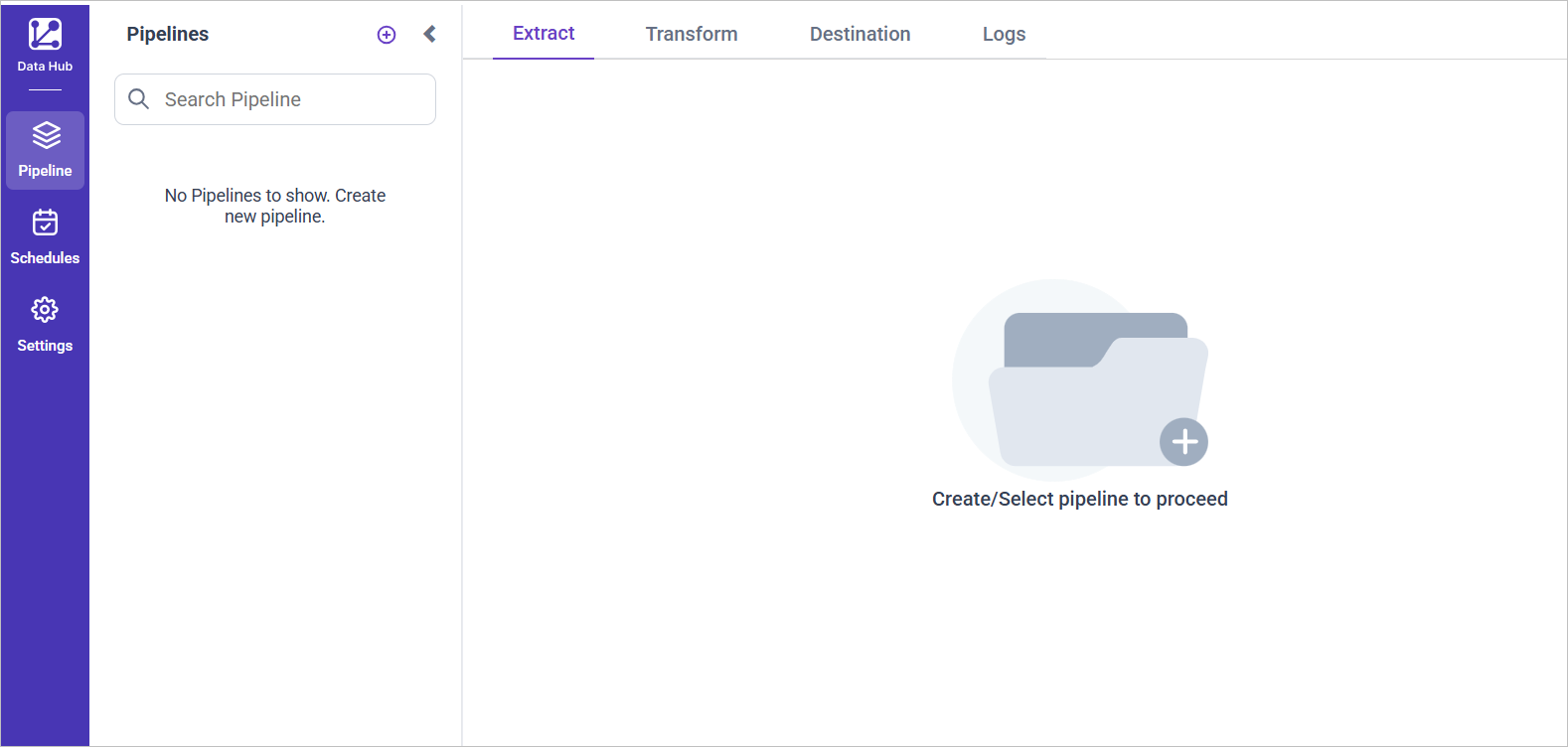
Upon clicking the icon, you will be redirected to the Bold Data Hub site homepage, as illustrated in the image
IMPORTANT: The Bold BI, Bold Reports, and Bold Data Hub applications are seamlessly integrated with our Identity Provider (IdP), allowing users to access them using a single set of login credentials.
This section explains how to work with projects, schedule jobs, and create Bold BI data sources.
For more details on working with Bold Data Hub, click here.