
HubSpot
HubSpot is a customer relationship management (CRM) software and inbound marketing platform that helps businesses to attract visitors, engage customers, and close leads.
Grab Credentials
Note: As of November 30, 2022, HubSpot API Keys are being deprecated and are no longer supported. Instead, it is recommended to authenticate using a private app access token or OAuth access token. Follow these steps to create a private app and get an authentication token before running the pipeline:
- In HubSpot, click the settings icon to access settings.
- Under
Account Setupin the left sidebar, chooseIntegrations>Private Apps. - Select
Create a private app. - In the
Basic Infotab, provide a name and description. - In the
Scopestab, grant:- Read scopes for CMS, CRM, and Settings.
- Permissions for:
business-intelligence,actions,crm.export,e-commerce,oauth,tickets.
- Click
Create app>Continue Creating. - Click
Show tokenand copy it.
Connection Properties
The config section in a YAML file includes the following properties:
ConnectorName: HubSpot
api_key: API key
Example Configuration
version: 1.0.1
encrypt_credentials: false
plugins:
  extractors:
    - name: HubSpot_data
      connectorname: HubSpot
      config:
        api_key: <API KEY>
      select:
        - Table1
        - Table2
      properties:
        includehistory: <true/false>
Configure the Data Hub to connect Hubspot
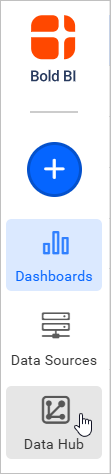
- To start, Click the
Bold Data Hubicon on the Navigation Pane.
- Click
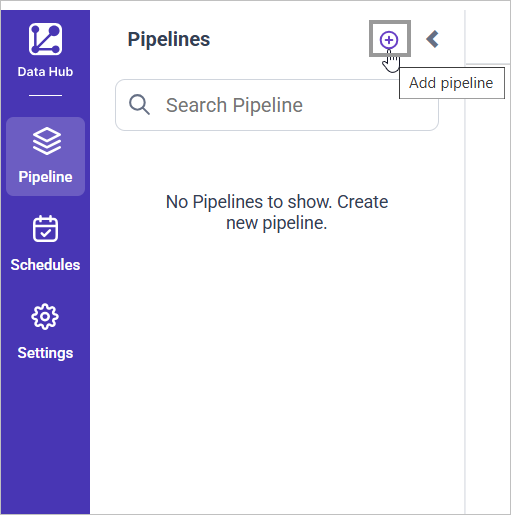
Add Pipelineand provide the name for the new pipeline.
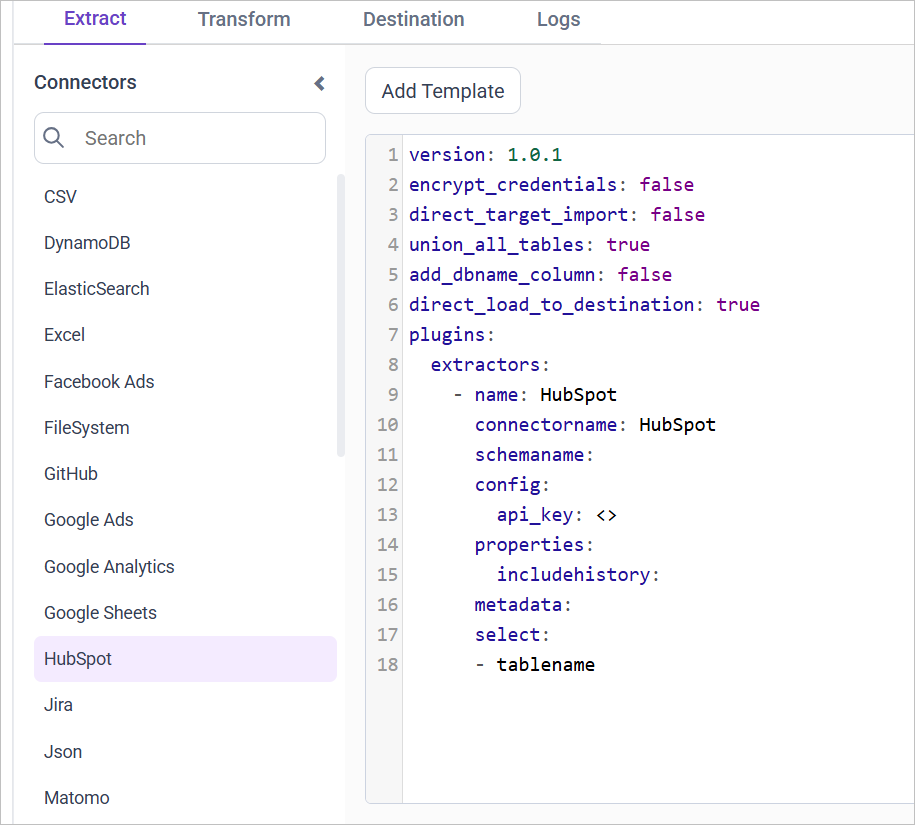
- Select the newly created pipeline and add the
Hubspottemplate.
-
Update the API Key in the template. Also, Update the resources on the
selectproperty and Click Save, choose the desired destination to save the pipeline. -
Creating a Pipeline in Bold Data Hub automatically creates a Data Source in Bold BI. The Bold BI Data Source is a live data source to the destination database used in Bold Data Hub. For more information on the relationship between Bold Data Hub Pipeline and the associated Data Sources in Bold BI , please refer to Relationship between Bold Data Hub Pipeline and Associated Data Sources in Bold BI

The available resources are supported in Hubspot
- contacts
- companies
- deals
- tickets
- products
- quotes
- hubspot_events_for_objects
Warning:
1. The `Encrypt_Credentials` property should be set to false when updating the new access token on the template. If you have modified other properties, such as 'select' or 'account id', the `Encrypt_Credentials` property must be set to true.
2. The default lifetime of the access token is 1 hour. Therefore, you need to convert it to a long-lived access token in order to use the same token for 60 days. Existing tables should be maintained even if the token has expired or is being used as an invalid token.
Schedule Data Hub Job
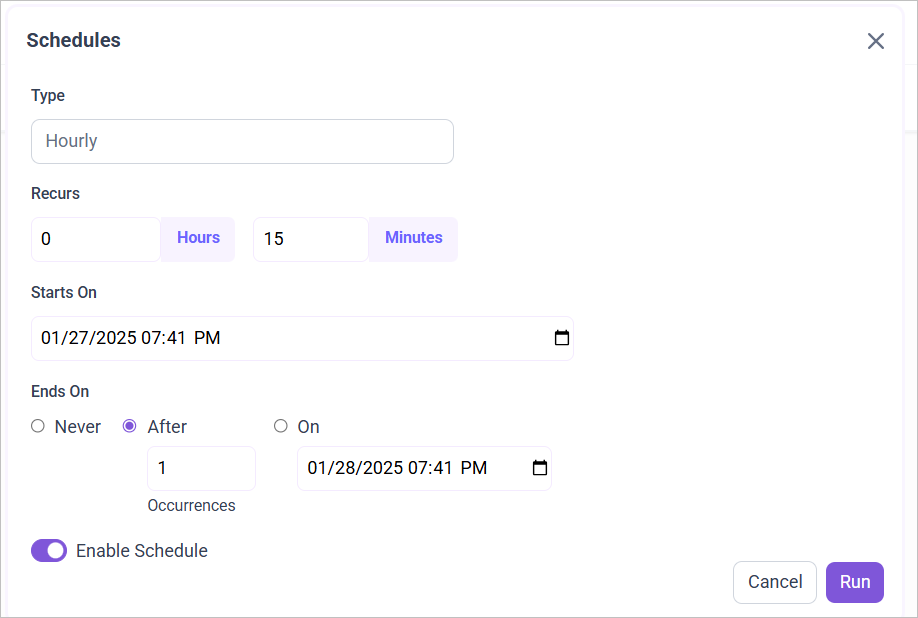
- To configure interval-based scheduling, click on the schedules tab and select the created pipeline and click on the schedule icon and configure it.

- For on-demand refresh, click
Run Nowbutton.
 .
.
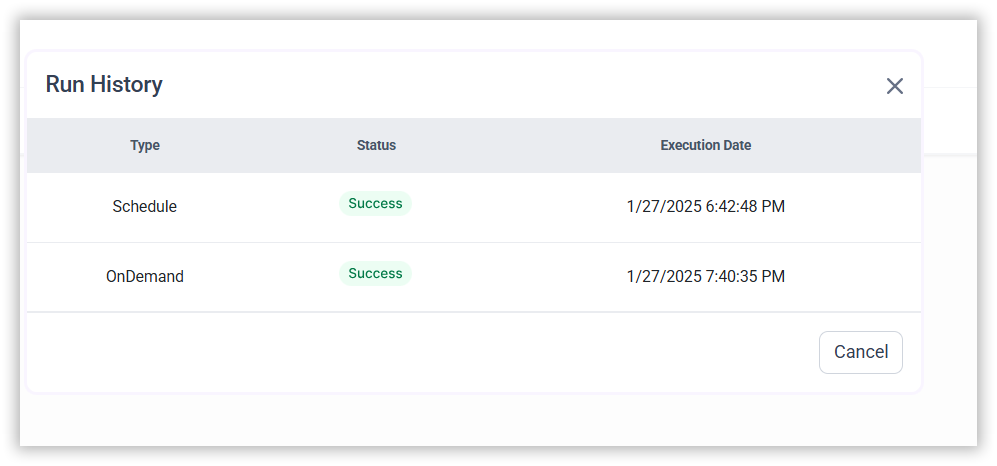
- The Schedule history can be checked using the history option as well as logs.
- Click on Logs to see if the run is completed and data source is created in Bold BI.
- Click
Edit DataSourceOption to view the created tables.