
IBM Db2
IBM Db2 is a scalable, enterprise-grade relational database system that supports SQL for managing structured data. It handles both transactional and analytical workloads and integrates well with IBM Cloud, making it ideal for business intelligence and data warehousing.
Grab credentials
- Login to your IBM Cloud account.
- Navigate to the Resource List from the dashboard.
- Under Databases, locate and select your IBM Db2 instance.
- Inside the selected database, go to the Service Credentials section. Here, you’ll find the necessary connection details such as:
- Hostname
- Port Number
- Database Name
- Username
- Password
These credentials are typically provided in JSON format. You can copy them directly into your Bold Data Hub configuration.
Connection Properties
In a YAML file, the config section contains the following properties:
connectorname: IBM Db2
schemaname: public
host: hostname
port: 5000
username: user
password: password
database: database
client_lib_path: file_path
Example Configuration
version: 1.0.1
destination:
plugins:
  extractors:
    - name: IBM Db2
      connectorname: IBM Db2
      schemaname: public
      config:
        host: hostname
        port: 5000
        username: user
        password: password
        database: database
        client_lib_path : file_path
      select:
        - tablename
Configure the Bold Data Hub to connect IBM Db2
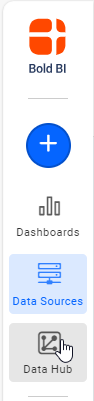
- Click the
Data Hubicon on the Navigation Pane.
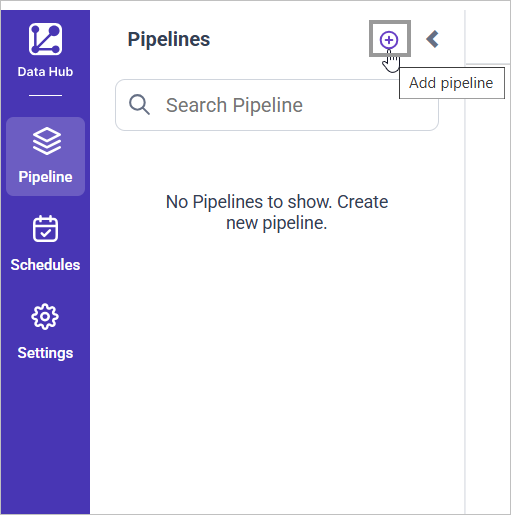
- Click
Add Pipelineand provide the new pipeline’s name.
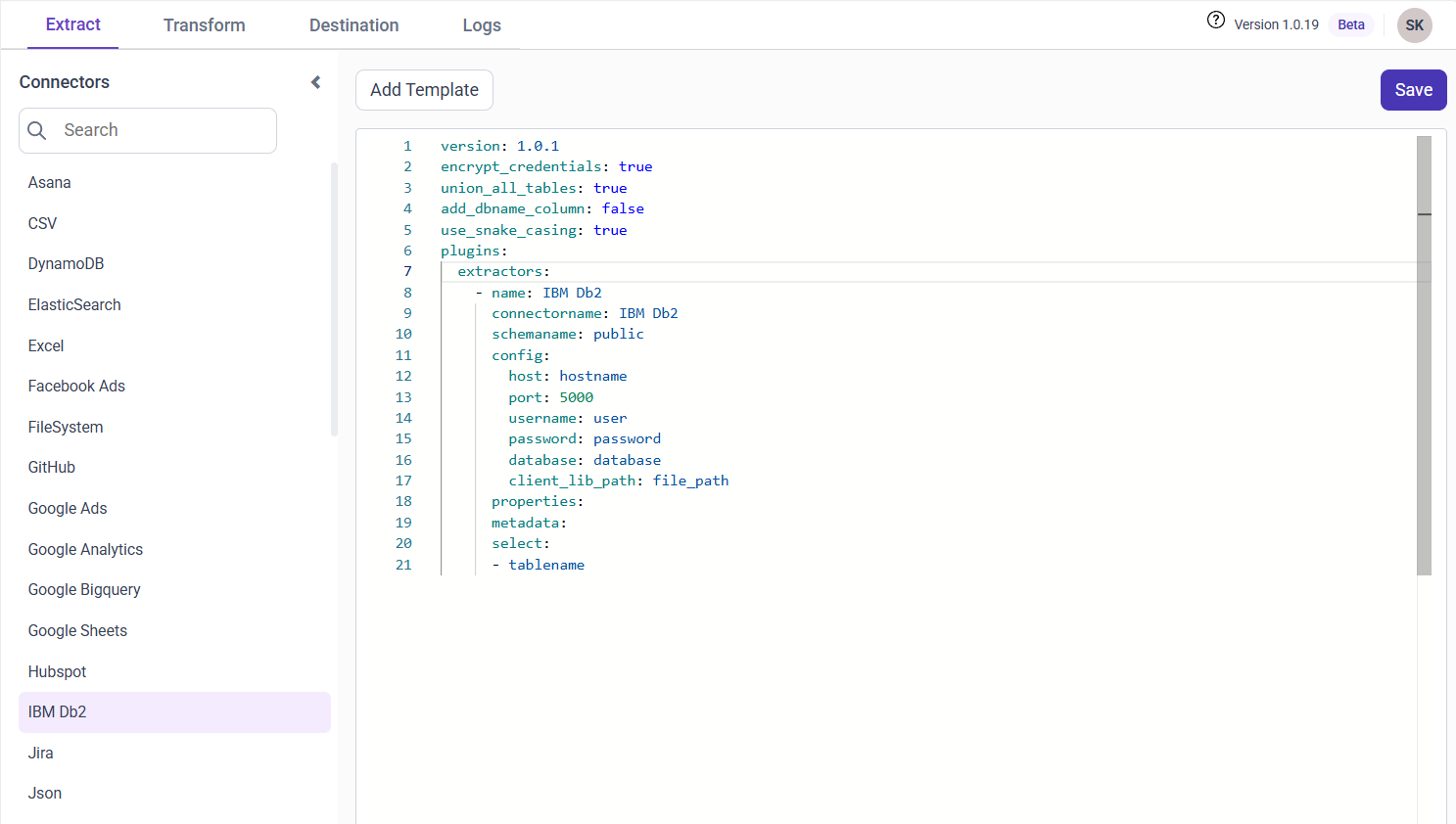
- Select the newly created pipeline and add the
IBM Db2template.
Configuration Parameters
| Parameters | Description |
|---|---|
| Host: | Specify the hostname of the IBM Db2 server. |
| Port: | Specify the port number of the IBM Db2 server (default is 5000). |
| Username: | Provide the username to authenticate with the IBM Db2 server. |
| Password: | Provide the password to authenticate with the IBM Db2 server. |
| Database: | Specify the name of the IBM Db2 database from which data will be extracted. |
| Schema Name: | Specify the Schema name for connecting to IBM Db2. |
| Client_lib_path: | Enter the IBM client library path. |
| Select: | Tablename(s): Specify the table name list to load tables from the IBM Db2 server. |
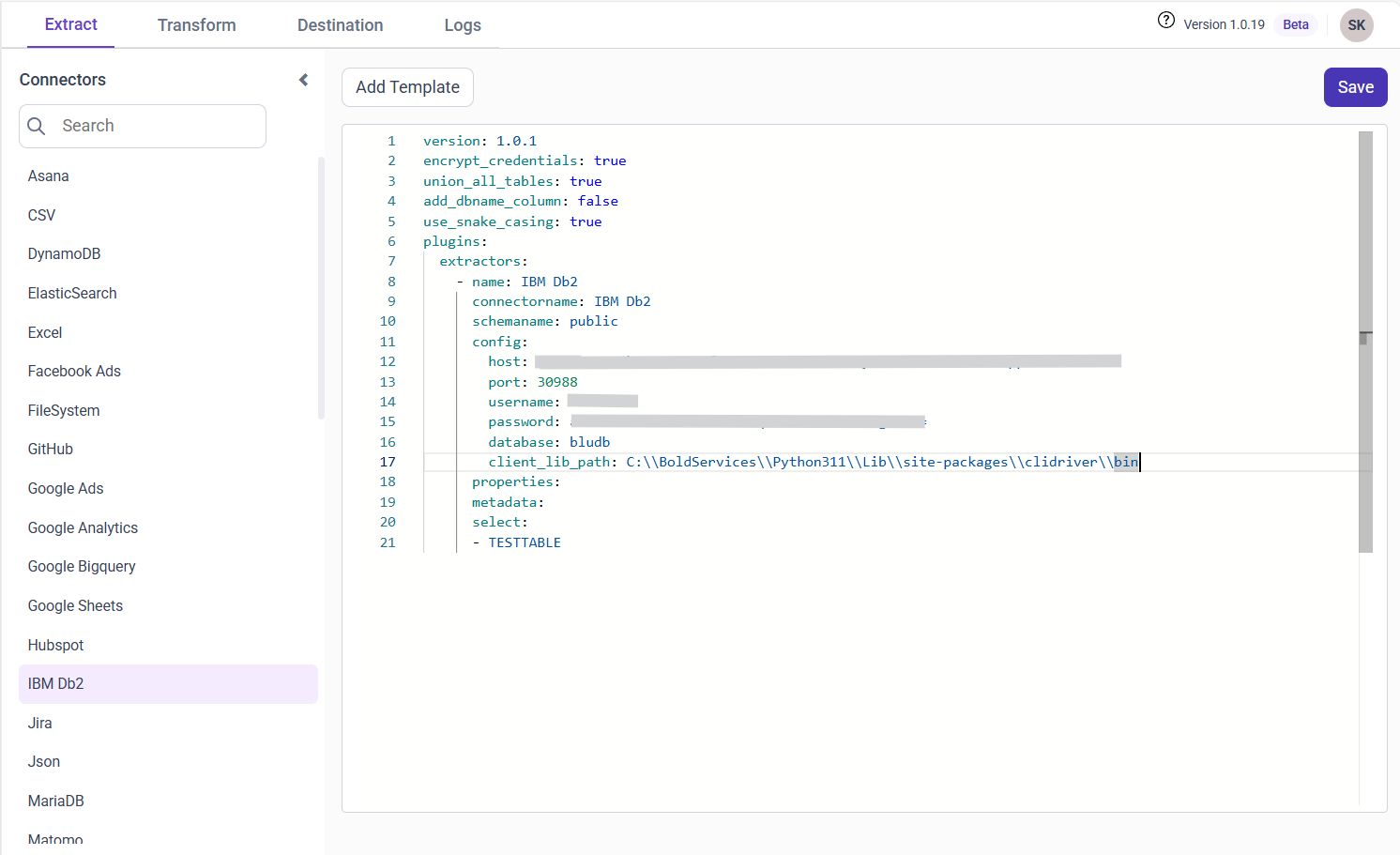
- Update the details required in the template and Click Save, choose the desired destination to save the pipeline.
- Creating a Pipeline in Bold Data Hub automatically creates a Data Source in Bold BI. The Bold BI Data Source is a live data source to the destination database used in Bold Data Hub. For more information on the relationship between Bold Data Hub Pipeline and the associated Data Sources in Bold BI , please refer to Relationship between Bold Data Hub Pipeline and Associated Data Sources in Bold BI.
Schedule Bold Data Hub Job
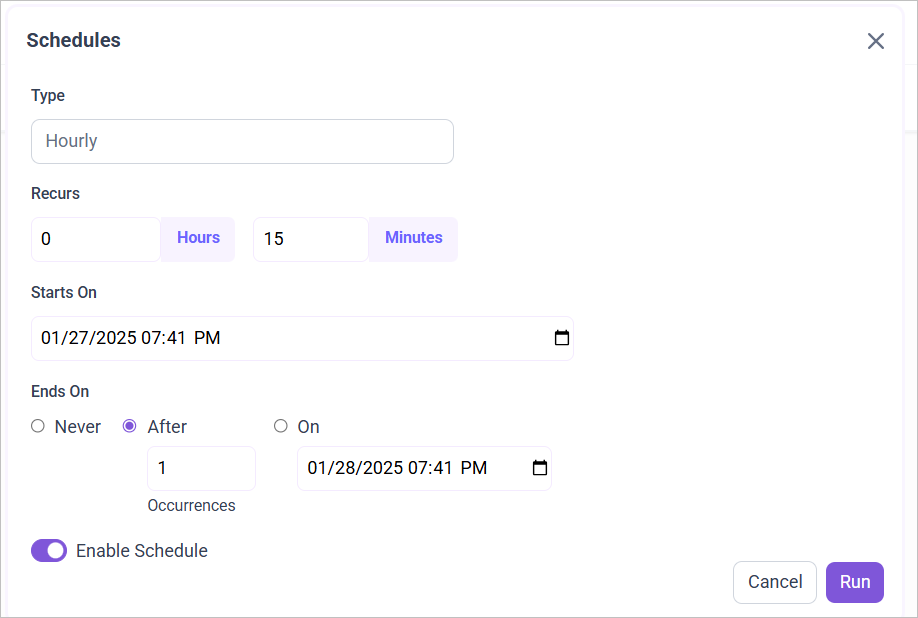
- To configure interval-based scheduling, click on the schedules tab and select the created pipeline and click on the schedule icon and configure it.

- For on-demand refresh, click
Run Nowbutton.
 .
.
- The Schedule history can be checked using the history option as well as logs.
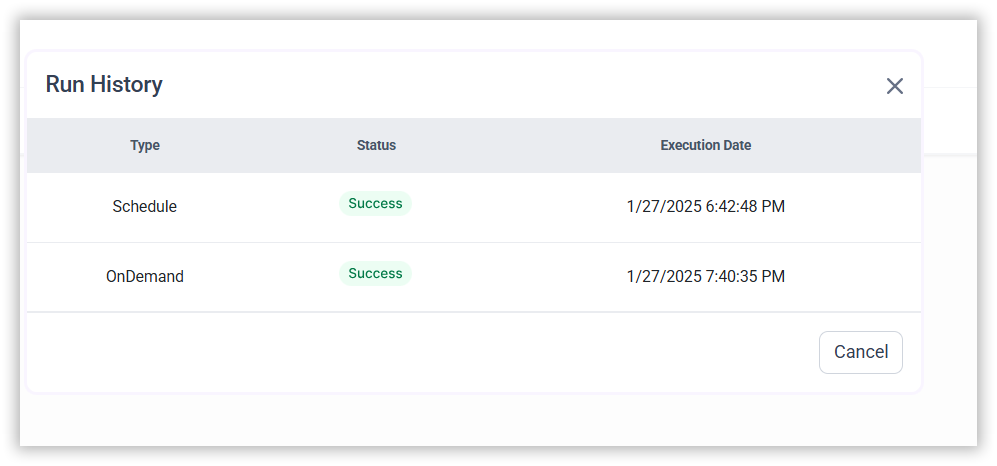
- Click on Logs to see if the run is completed and data source is created in Bold BI.

- Click
Edit DataSourceOption to view the created tables.