
MySQL SSH
MySQL is a relational database management system based on SQL – Structured Query Language. The application is used for a wide range of purposes, including data warehousing, e-commerce, and logging applications.
Connection Properties
In a YAML file, the config section contains the following properties:
Connectorname: MySQLSSH
host: Hostname or IP address of the server
port: Server running port
username: Username
password: Password
database: Database
drivername: mysql+pymysql
ssh_host: ssh_hostname
ssh_port: ssh_port
ssh_user: ssh_username
ssh_private_key_path: privatekey
Example Configuration
Exam
version: 1.0.1
encrypt_credentials: false
plugins:
  extractors:
    - name: tap_postgres
      connectorname: MySQL
      config:
        host: Hostname or IP address of the server
        port: Server running port
        username: Username
        password: Password
        database: Database
        drivername: mysql+pymysql
        ssh_host: ssh_hostname
        ssh_port: ssh_port
        ssh_user: ssh_username
        ssh_private_key_path: privatekey
      select:
        - TABLE1
        - TABLE2
Configure the Bold Data Hub to connect MySQL via SSH
- Click the
Data Hubicon on the Navigation Pane.

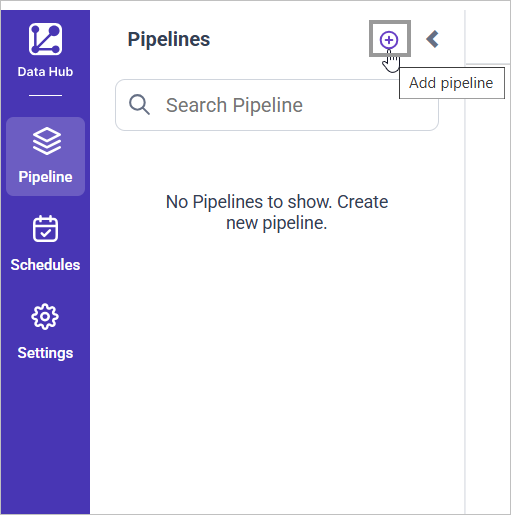
- Click
Add Pipelineand provide the new pipeline’s name.
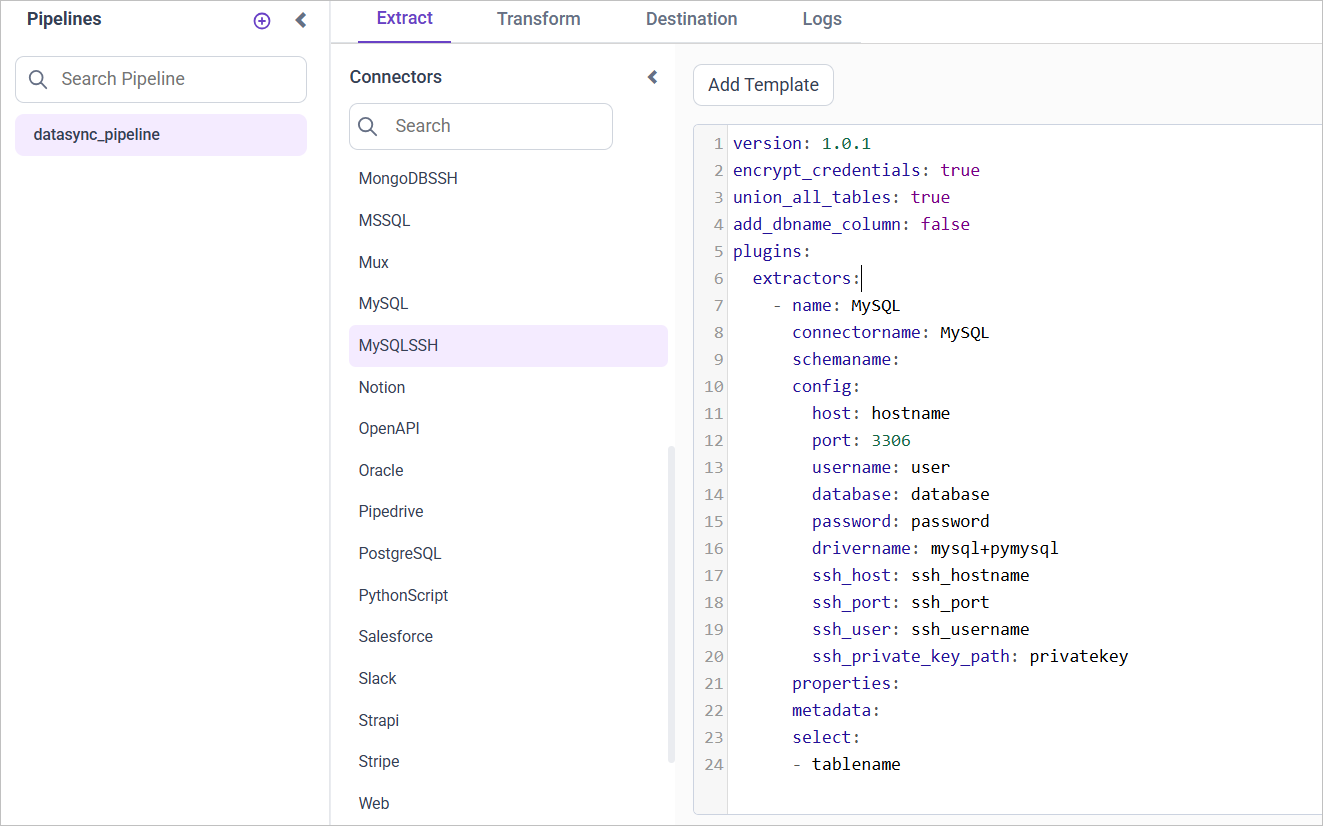
- Select the newly created pipeline and add the
MySQLSSHtemplate.
Configuration Parameters
| Parameters | Description |
|---|---|
| Host: | Specify the hostname of the MySQL server. |
| Port: | Specify the port number of the MySQL server (default is 3306). |
| Username: | Provide the username to authenticate with the MySQL server. |
| Password: | Provide the password to authenticate with the MySQL server. |
| Database: | Specify the name of the MySQL database from which data will be extracted. |
| Driver Name: | Specify the driver name for connecting to MySQL (e.g., mysql+pymysql). |
| Select: | Tablename(s): Specify the table name list to load tables from the MySQL server. |
| SSH Host: | Specify the SSH hostname for connecting to the MySQL server securely. |
| SSH Port: | Specify the SSH port number (default is 22). |
| SSH User: | Provide the SSH username for authentication. |
| SSH Private Key: | Specify the path to the SSH private key file for authentication. |
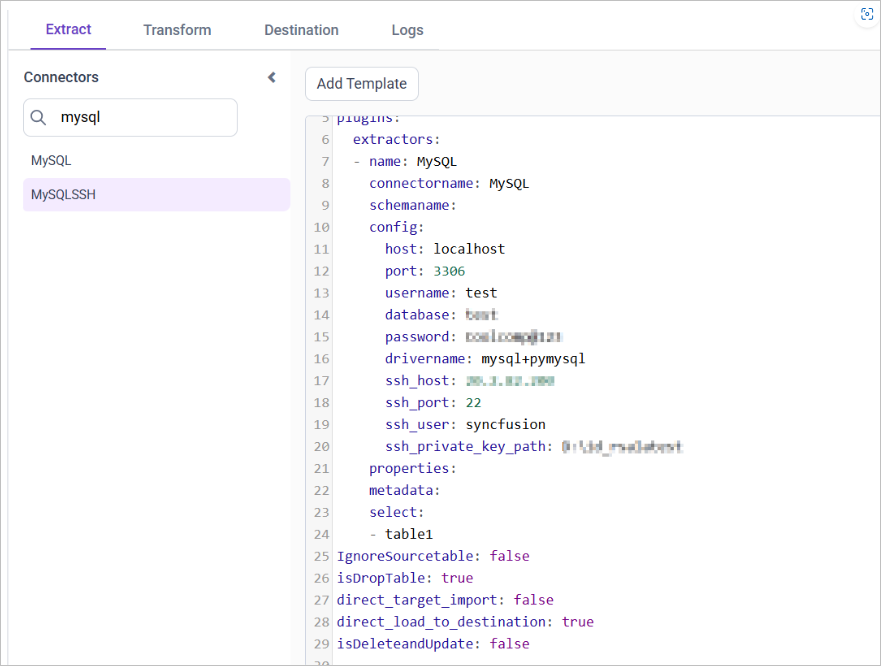
- Update the details required in the template and Click Save, choose the desired destination to save the pipeline.
- Creating a Pipeline in Bold Data Hub automatically creates a Data Source in Bold BI. The Bold BI Data Source is a live data source to the destination database used in Bold Data Hub. For more information on the relationship between Bold Data Hub Pipeline and the associated Data Sources in Bold BI , please refer to Relationship between Bold Data Hub Pipeline and Associated Data Sources in Bold BI.
Schedule Bold Data Hub Job
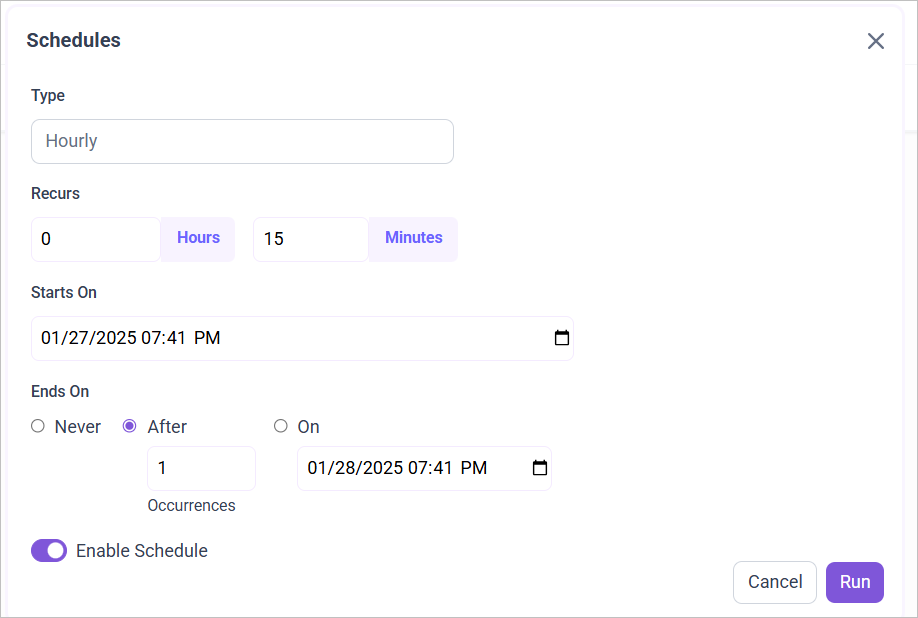
- To configure interval-based scheduling, click on the schedules tab and select the created pipeline and click on the schedule icon and configure it.

- For on-demand refresh, click
Run Nowbutton.
 .
.
- The Schedule history can be checked using the history option as well as logs.
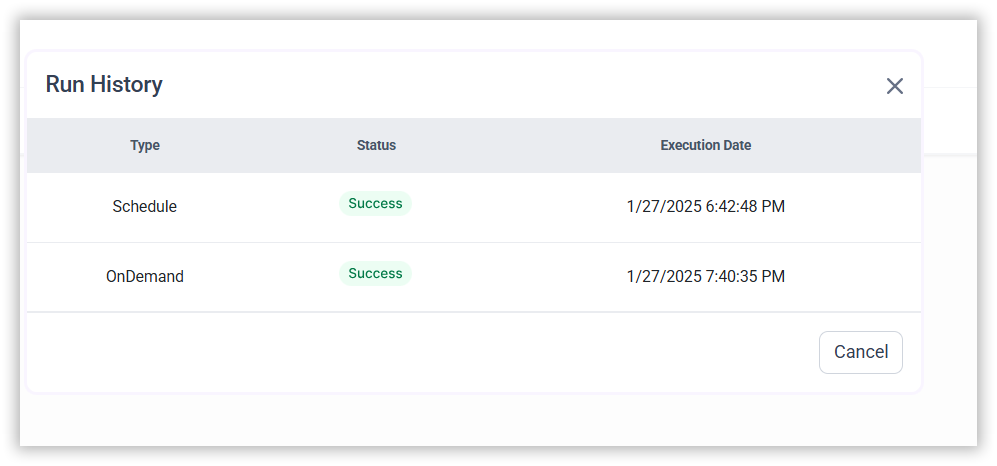
- Click on Logs to see if the run is completed and data source is created in Bold BI.

- Click
Edit DataSourceOption to view the created tables.