
AI Assistant Settings
AI Assistant Settings allows administrators to configure how AI Assistant behaves, manage capabilities through skills, monitor usage, and track all administrative changes.
Accessing Settings
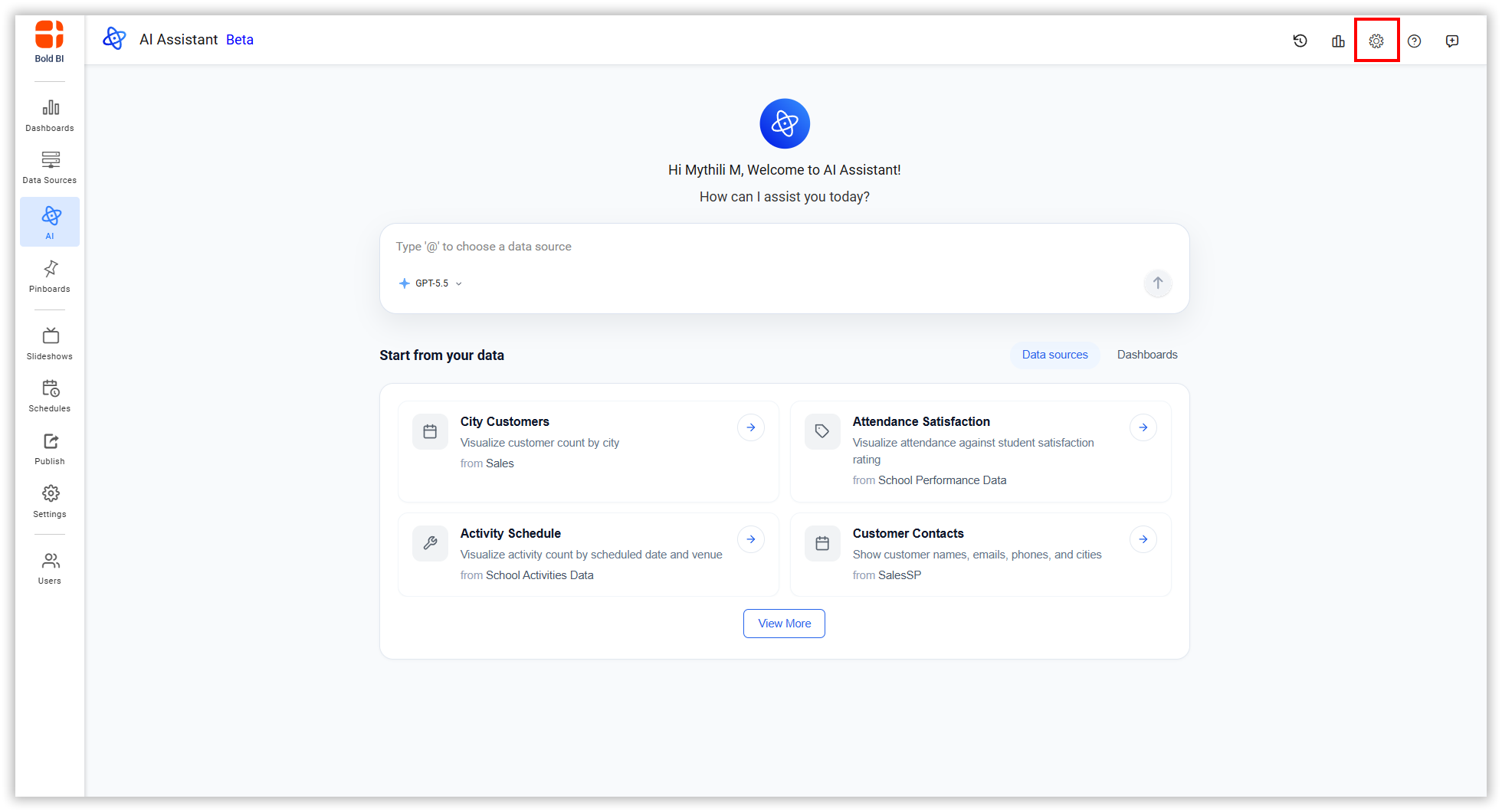
- Click the Settings icon in the top-right corner.
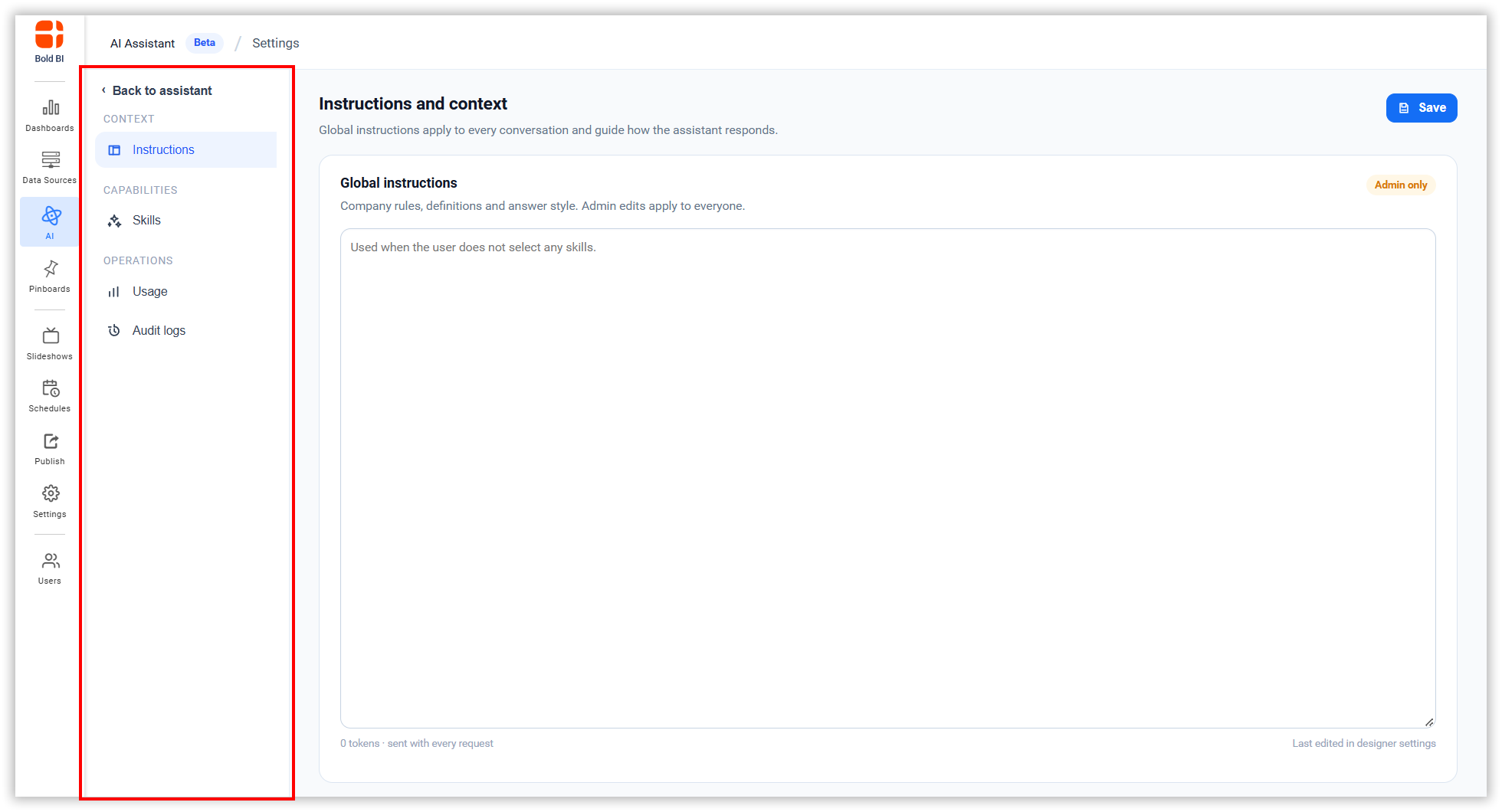
- The left sidebar shows configuration options.
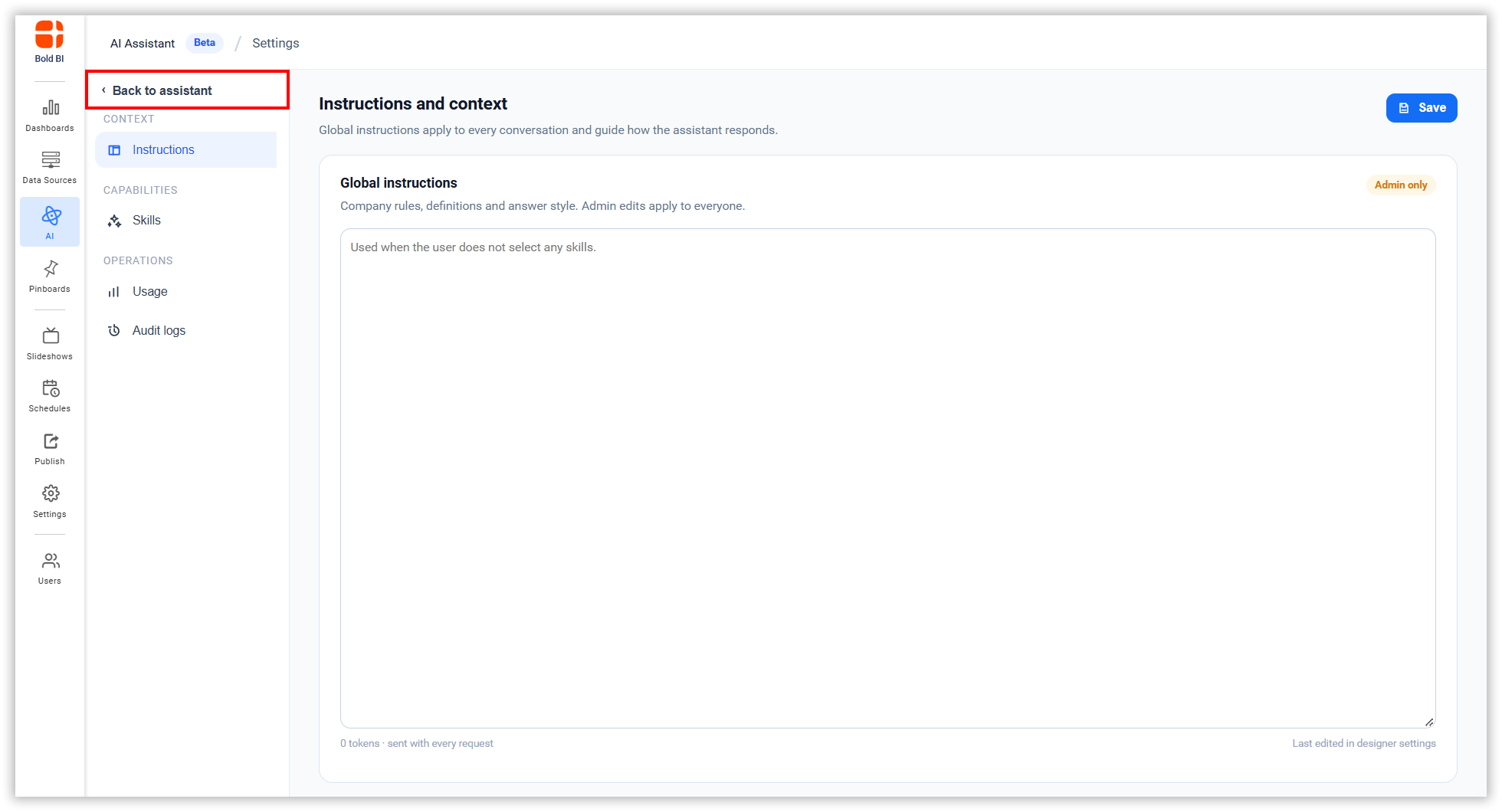
- Click Back to Assistant to return to the AI Assistant interaction page.
Settings Sections
Instructions - Set global guidelines that AI Assistant follows for all interactions.
Skills - Extend AI Assistant capabilities by creating and managing reusable skills with custom instructions.
Usage - Monitor how AI Assistant is being used, track token consumption, and view active users.
Audit logs - Review all administrative changes made to AI Assistant settings.
The following sections explain how to use each feature: